
What Jewelry Suppliers Should Include in a Retail-Ready Product Feed
A practical checklist for making jewelry product data easier for retail partners to understand, use and update.
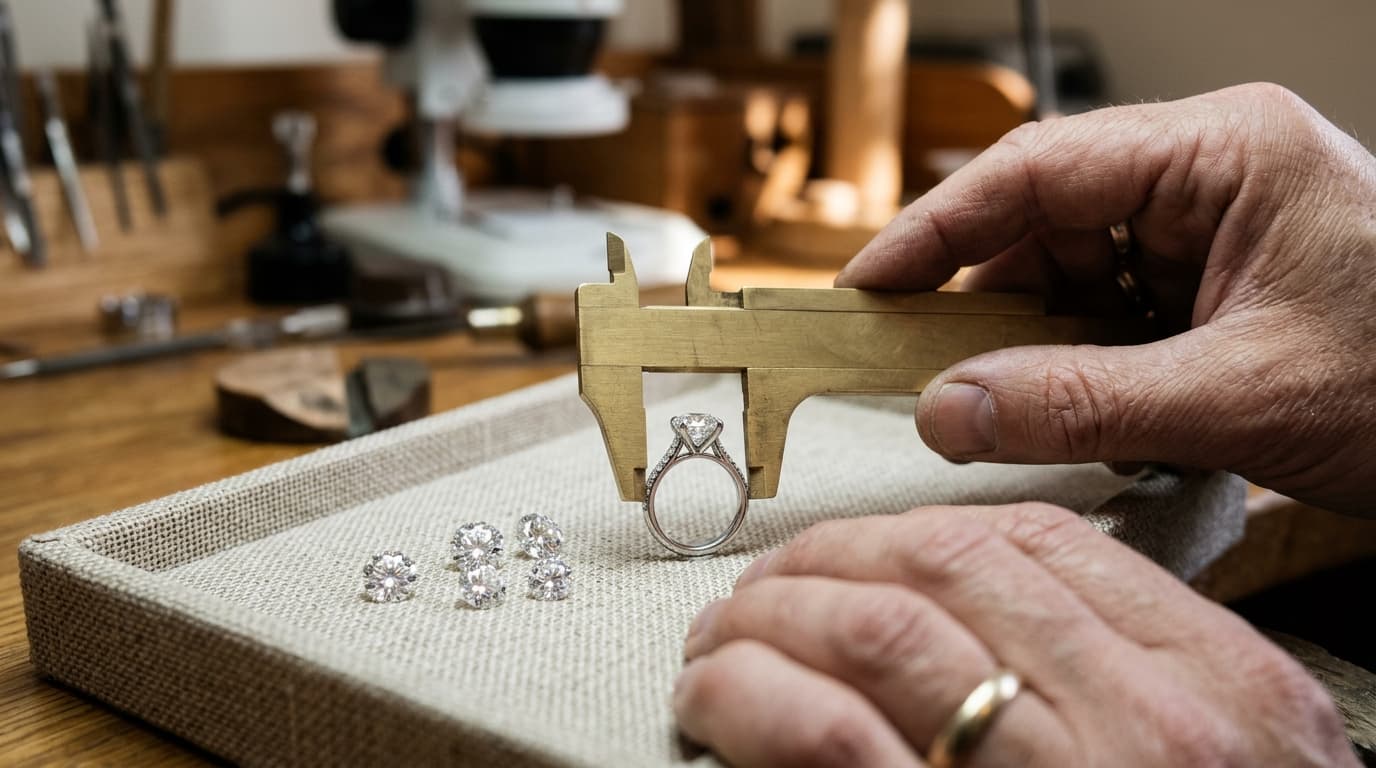
A retailer looking at a new collection has two jobs. First, they need to decide whether the pieces fit their customers. Then they need enough reliable information to show those pieces and answer questions about them.
A product feed helps with the second job. At its simplest, it is a structured way to share product information. A useful feed usually includes a stable product identifier, a clear name, relevant specifications, price, availability and usable images. Diamonds, settings and finished jewelry each need different details, so the exact fields should be agreed with the receiving retailer or platform.
The goal is not to fill every possible column. It is to give the next person enough context to use the information without having to guess.
Begin with a product that can be recognized
Give each sellable item a stable identifier and a name that makes sense outside your own office. An internal code like R-1482 may be essential for matching updates, but it tells a retailer little on its own. Pair it with a useful name, such as “Oval solitaire setting with tapered shoulders.”
Category and description also matter. If a piece is a setting rather than a finished ring, say so. If the center stone shown in the image is not included, make that clear. A short, accurate description is more useful than a long one that leaves the buyer unsure what they are actually ordering.
Describe the details that change the decision
For jewelry, a few missing details can lead to a very different product from the one a customer expects. Depending on the piece, consider including:
- Material: metal type, purity and finish.
- Size and dimensions: relevant ring sizes, band width or measurements, with units.
- Variants: a way to distinguish options such as white gold and yellow gold without losing their relationship to the same design.
- Stone information: shape, size and other attributes relevant to the product, with grading-report details when available and applicable.
- Setting compatibility: which center-stone shapes or size ranges the setting is intended to accommodate, where known.
- Fulfillment information: whether the item is available, made to order or subject to a lead-time confirmation.
Do not invent a value just to fill a field. An empty measurement that is flagged for review is easier to deal with than a precise-looking measurement that nobody has verified.
Make price and availability understandable
Price needs context. Is the value a wholesale price, a suggested retail price or a price for a particular configuration? Does it include the center stone? Which currency applies? Clarify these points with your retail partner, especially when the final product depends on metal, stone or other choices.
Availability needs a shared vocabulary too. “Available,” “made to order” and “out of stock” can mean different things across businesses. Agree on the values you will send, when they change and what the retailer should do when an update has not arrived on time.
For one-of-a-kind diamonds, also discuss how the retailer will confirm a stone before making a promise to a customer. A feed is a record of information at a point in time; its freshness depends on the source and update process.
Treat images as part of the product data
An image should help a retailer and their customer understand the piece. Include the views that exist, identify what each image represents and make sure your partner has permission to use it on the intended channels.
If a single image shows a white-gold setting but the feed also includes yellow gold, explain whether an image exists for that option. If a render is illustrative, say so. Retailers may be able to fill some gaps with their own photography or approved visuals, but they should know which details still need review.
Keep image references stable where possible and agree on how missing or replaced images are handled. An excellent spreadsheet is less helpful when the image links no longer work.
A small illustrative record
The following is an illustrative record, not a required Gemtheon format:
| Field | Example |
|---|---|
| Supplier SKU | SET-OV-104-WG |
| Product | Oval solitaire setting with tapered shoulders |
| Material | 14K white gold |
| Center stone | Oval; compatible dimensions to be confirmed |
| Center stone included | No |
| Availability | Made to order |
| Price | Wholesale price and currency supplied separately under the partner agreement |
| Image | Approved white-gold product image |
The example deliberately leaves compatibility to be confirmed. If the supplier knows the exact supported dimensions, those should be provided and verified with the retailer or production partner.
Agree on the handoff before sending the full catalog
Test a small set together. Ask the retailer to review a few common products, one with several variants and one that is temporarily unavailable. Check whether their team can identify each item, understand the price and find the correct image. Then make a change and confirm how that change reaches them.
The resulting checklist might differ for each partner. Some platforms use different field names; some product types require extra details. That is normal. Document the mapping and the contact for exceptions so the next update does not start the same conversation again.
Using supplier data with Gemtheon
Gemtheon helps retailers work with eligible supplier data in their jewelry commerce workflow. Depending on the supplier and connection, data may be provided through supported API, CSV or FTPS options. The required fields, available media and update schedule should be confirmed for the particular setup rather than assumed from a general checklist.
For suppliers, the most useful first step is to bring a representative sample and discuss how a retailer intends to use it. For retailers, it is to identify which fields are essential before deciding how much of a supplier catalog to publish.
Continue reading
Explore related guides on wholesale catalog sharing and inventory freshness.
Review your feed setup
Prepare your jewelry data for connected retail workflows
Bring sample feed files, column structures, or catalog exports. We'll review your field definitions and evaluate compatibility with retail commerce tools.
Related articles
Keep exploring the ideas, workflows, and growth tactics connected to this topic.

How Jewelry Retailers Can Reduce Manual Work in Product Feeds
A practical way to reduce repeated catalog edits while keeping merchandising, pricing and inventory decisions under the retailer’s control.
How to Connect a Wholesale Diamond Feed to a Shopify Store
What suppliers and retailers should agree on before connecting diamond data to an online selling experience.
How Jewelry Wholesalers Can Share Product Catalogs With Retailers Online
Your retailers need more than a folder of product photos. Here's how to give them information they can use—and keep using as your catalog changes.