
AR TRY-ON
Let shoppers picture a ring on their hand.
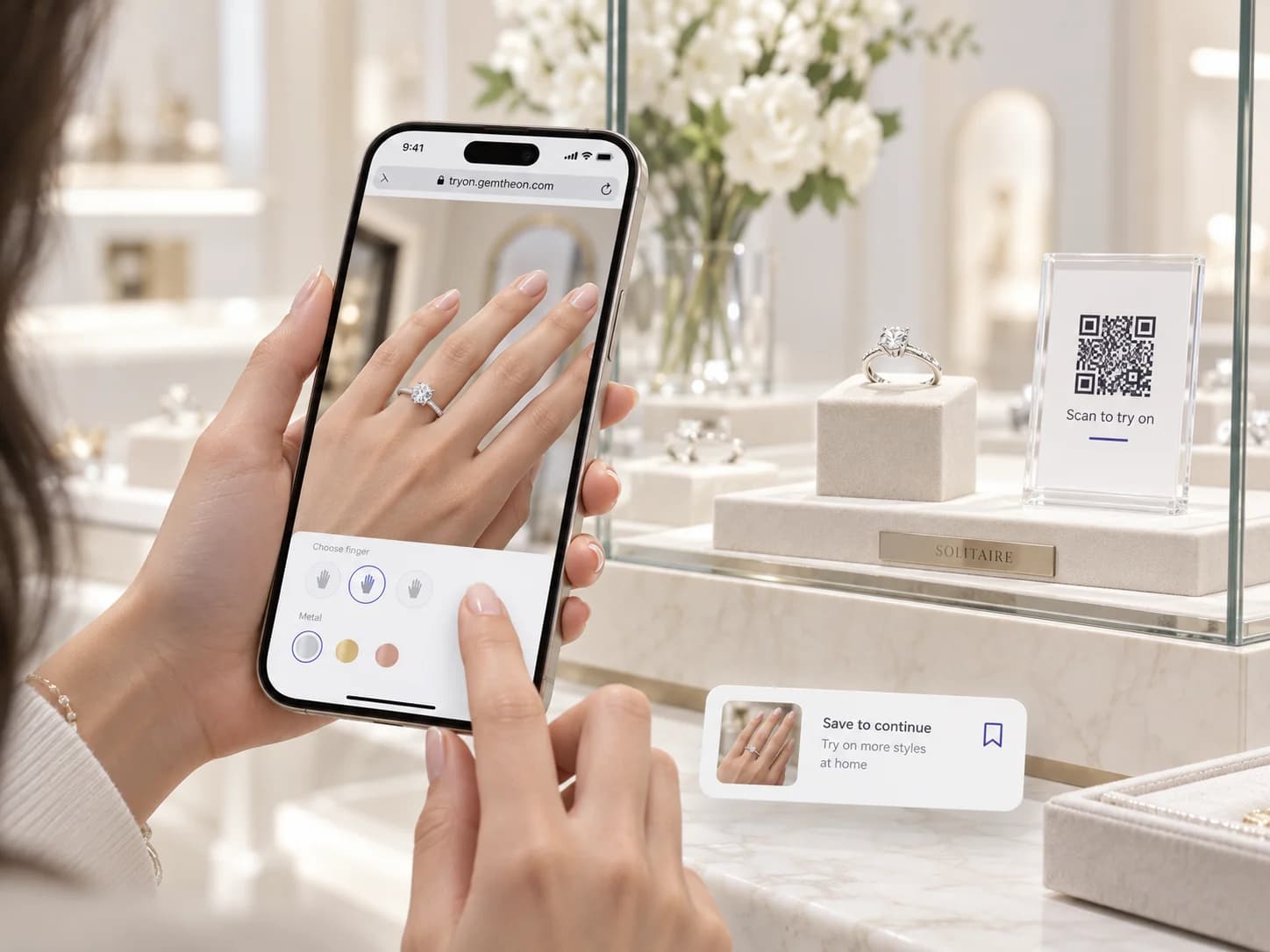
Explore supported rings with an interactive hand-model preview, then choose optional live camera try-on on a compatible device. Help customers compare the look while your team confirms the final design and ring size.
- Explore a supported ring on a digital hand model
- Compare available shapes and metal options
- Choose optional camera try-on for a sample ring
- Confirm the final size and specifications with your jeweler
Hand-model preview first · Camera access is optional
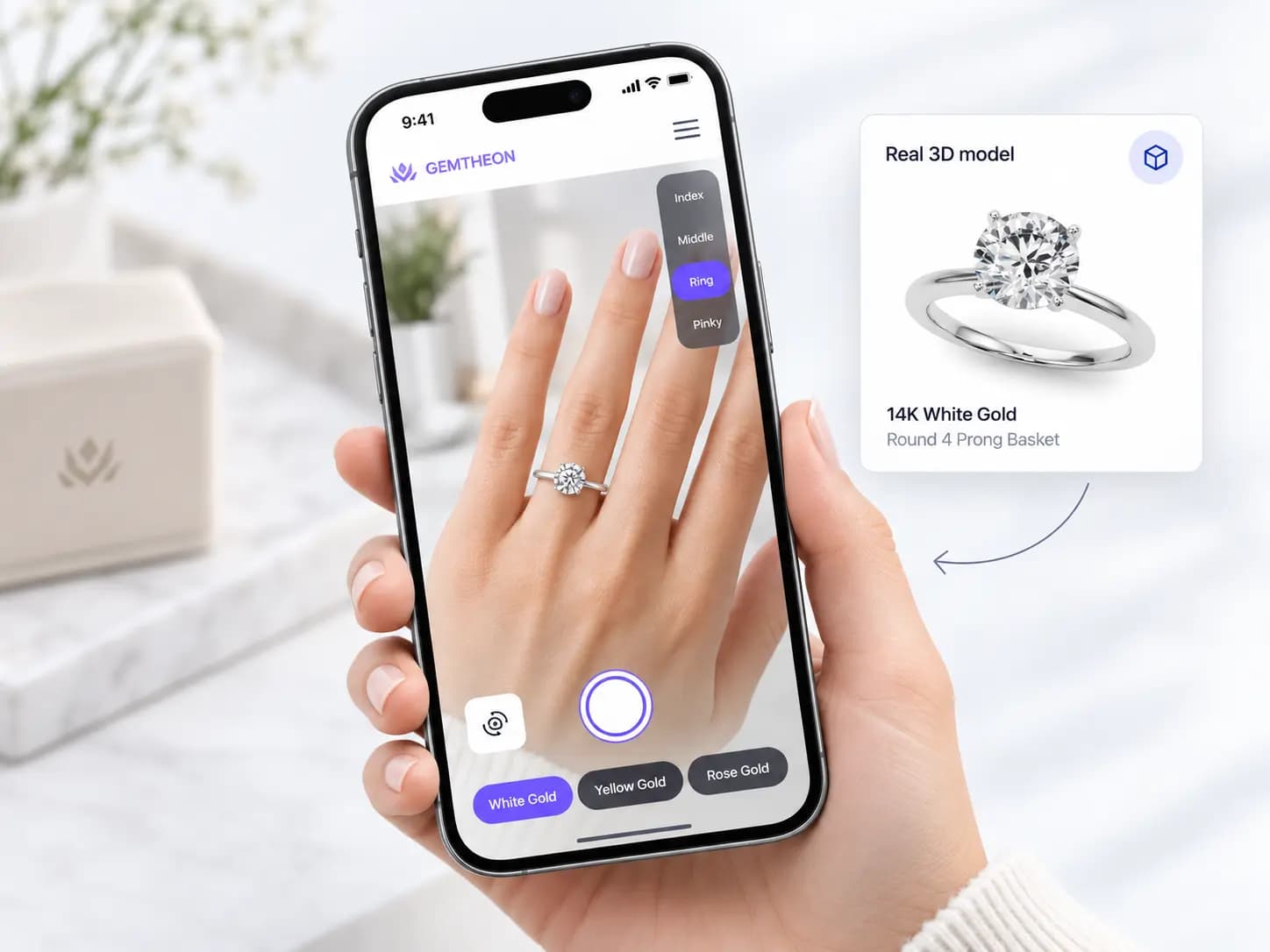
Shoppers don't buy rings they can't picture.
A ring photo answers "is it pretty?" A try-on answers the question that actually blocks the sale: "will it look right on my hand?"
Higher Conversion
Products with interactive AR try-on convert up to 94% better than flat photos alone.
Fewer Customer Returns
Shoppers who see scale and metal on their own hand return fewer rings for 'looked different in person.'
Zero Imagination Required
Stone shape, carat scale, and metal tone are decided on the hand — not argued about after delivery.
3D HAND MODEL
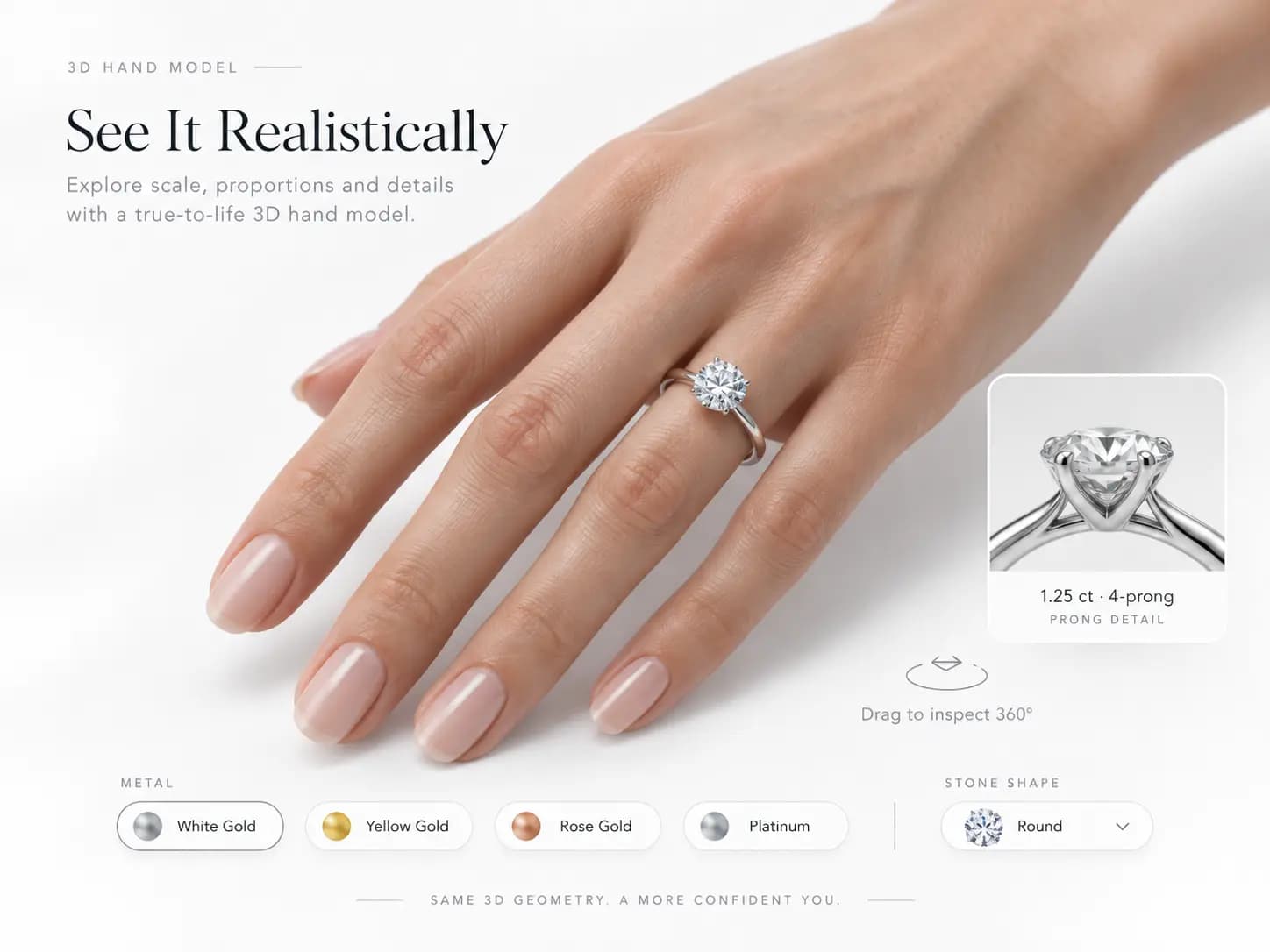
Explore a design on a 3D hand model.
Rotate the supported ring on a digital hand and compare the available shape and metal options. Use the visual to discuss the design before confirming the final product.
- Rotate and zoom the hand-model preview
- Compare the shapes and metals available in the preview
- Confirm final sizing and manufacturing specifications separately
LIVE CAMERA AR
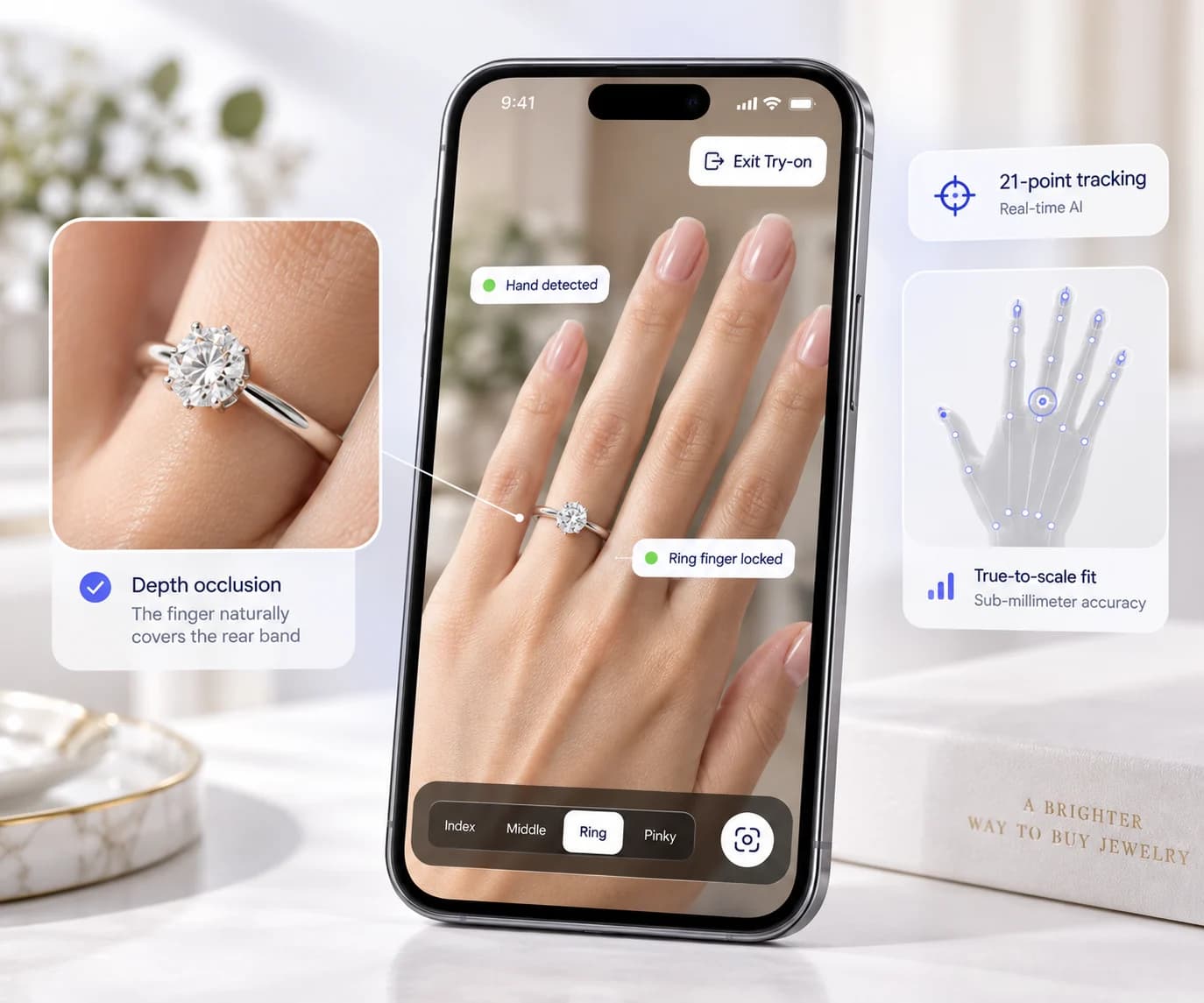
Try a sample ring with your camera.
Choose Live camera to explore a demonstration ring on your hand in a compatible browser. The hand-model and camera modes show different preview experiences.
- Camera access starts after you choose Live camera
- A visual reference for comparing the look on a hand
- Device and browser support may vary
SOCIAL SHARING
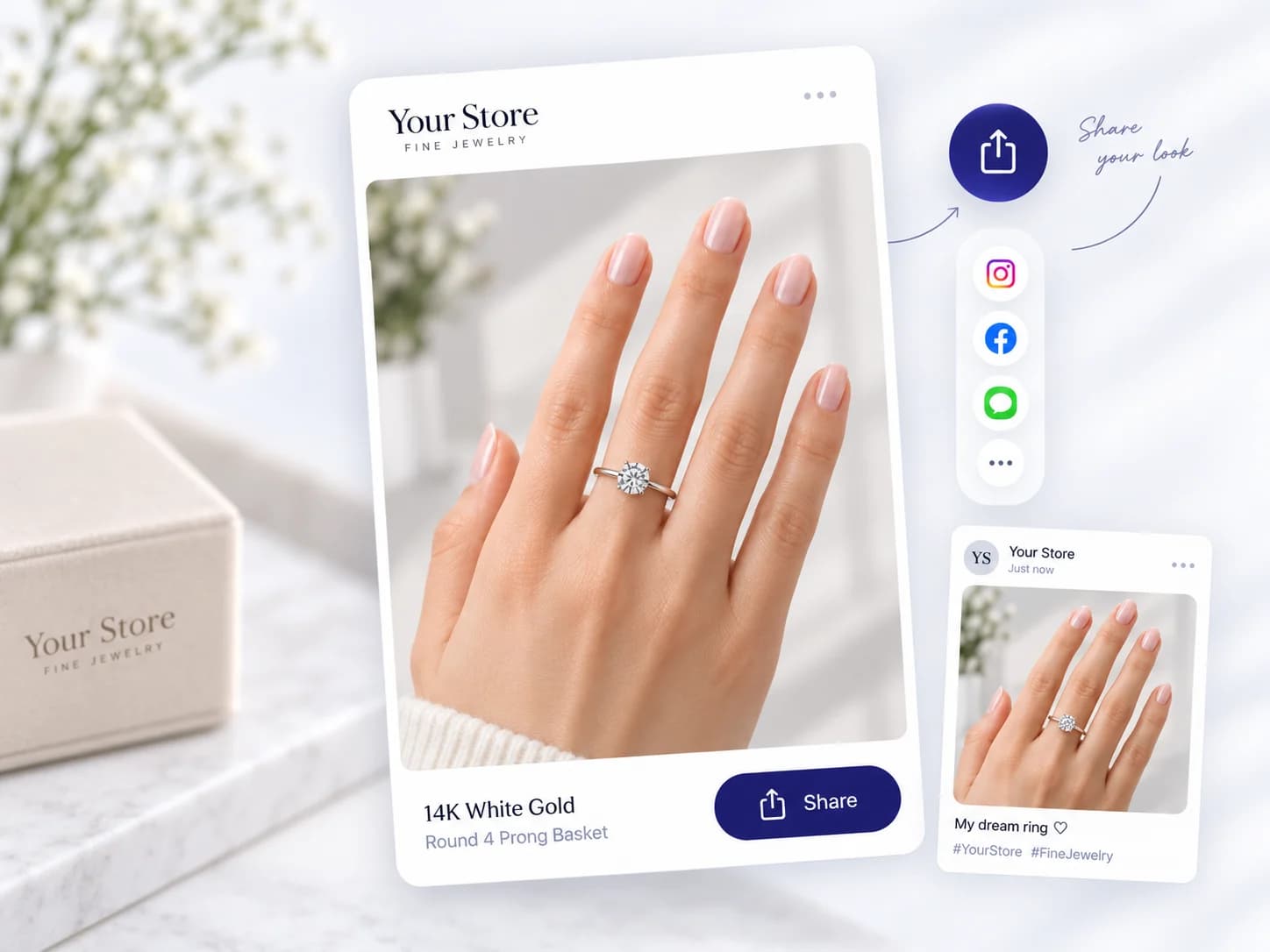
Keep the design conversation going.
Use the available capture and sharing options in the try-on experience to discuss a design with a partner or your jewelry team. Available actions depend on the device and preview workflow.
- Share using the options available on the customer’s device
- Confirm the selected design and final quote with your jeweler
IN-STORE RETAIL
Bring the preview into your showroom.
Share a supported try-on link during a consultation or provide a QR code for visitors to open on their own phone. Check the enabled design and destination before displaying it.
- Use links or configured QR codes as preview entry points
- Let customers revisit the design after the consultation
INTERACTIVE STUDIO
Try the Virtual Ring Try-On Playground
Compare available shapes and metals on the digital hand model. Choose Live camera to try a sample ring on your own hand; camera permission is requested only when you select that mode.
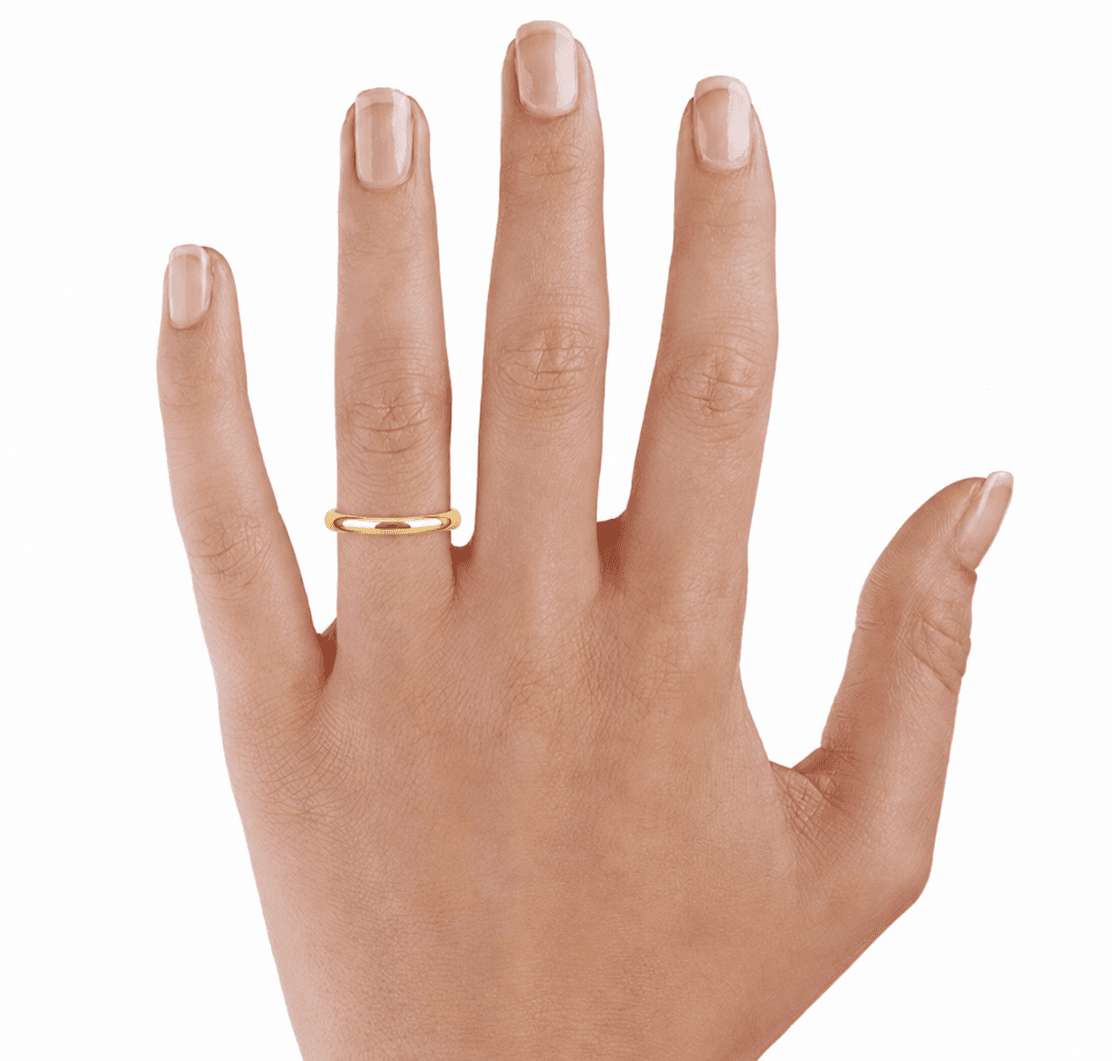
Visual preview only. Confirm your final ring size and specifications with your jeweler.
Open a preview. Explore the look. Confirm the design.
Choose a supported design, explore the preview, and confirm the details with your jeweler.
Open a supported preview
Open the available try-on link for a supported design, or share a configured QR code with your customer.
Choose hand model or camera
Start with the digital hand model. Choose Live camera and allow access if you want to see the sample ring on your own hand.
Discuss the final design
Compare the available options, then confirm the final ring size, stone dimensions, materials, and order with your jeweler.
Plans & try-on access
Start with free design discovery.
Explorer includes reasonable virtual try-on usage. Compare commerce plans for storefront branding, live feeds, and the interactive 3D ring builder; confirm supported designs and the try-on setup for your store.
Pro
Interactive 3D ring builder, multiple vendor feeds, expanded live inventory capacity, advanced pricing & automation rules, multi-store deployment ready, priority support, and all Starter features included.
What's included:
Explorer
Search & discover 3D design library, interactive 3D viewer & images, reasonable virtual try-on, and customer project management.
What's included:
Starter
Basic ring selector on your CMS website, retailer custom branding, live vendor feeds, pricing & markup workflow, and all Explorer features included.
What's included:
Pro
Interactive 3D ring builder, multiple vendor feeds, expanded live inventory capacity, advanced pricing & automation rules, multi-store deployment ready, priority support, and all Starter features included.
What's included:
Enterprise
Multi-store live integration, custom & high-volume inventory & feeds, advanced custom integrations & workflows (POS / ERP), dedicated engineer & custom SLA support, and all Pro features included.
What's included:
Frequently Asked Questions
Questions about Virtual Ring Try-On.
Supported designs, camera access, and how to use the preview in a jewelry consultation.

 READY TO LAUNCH
Help shoppers picture their next ring.
Explore the preview first. Then discuss the designs, devices, and storefront setup your jewelry business needs.