
GEMTHEON GEN AI
Turn jewelry photos into campaign imagery.
Create studio, lifestyle, and on-hand presentations from a clear product photo. Choose your scene and styling, compare the result with your original, and prepare images for your store or campaign.
- Jewelry on realistic hand and wrist models
- Lifestyle, fabric, and clean studio scenes
- Preview one image at a time in the studio
- Review details before downloading and publishing
100 free account credits · Buy more as needed
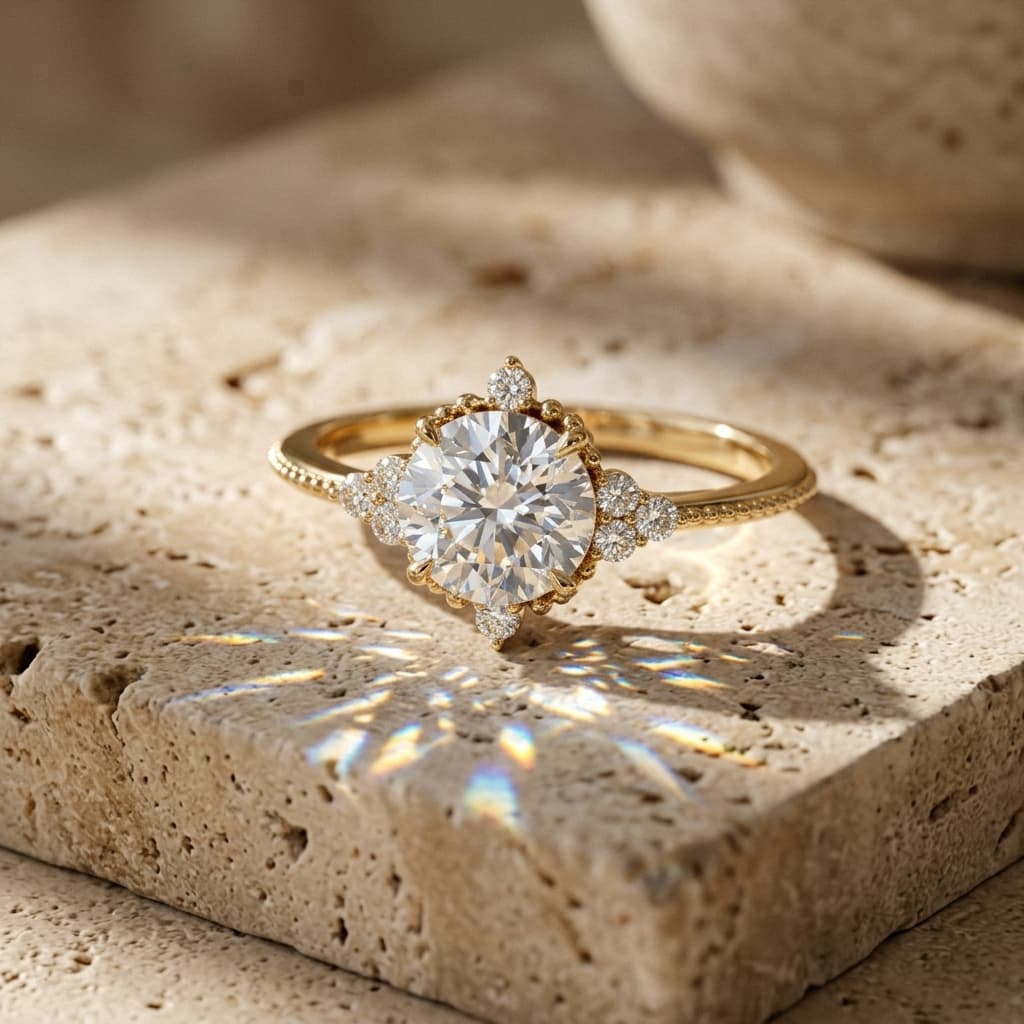
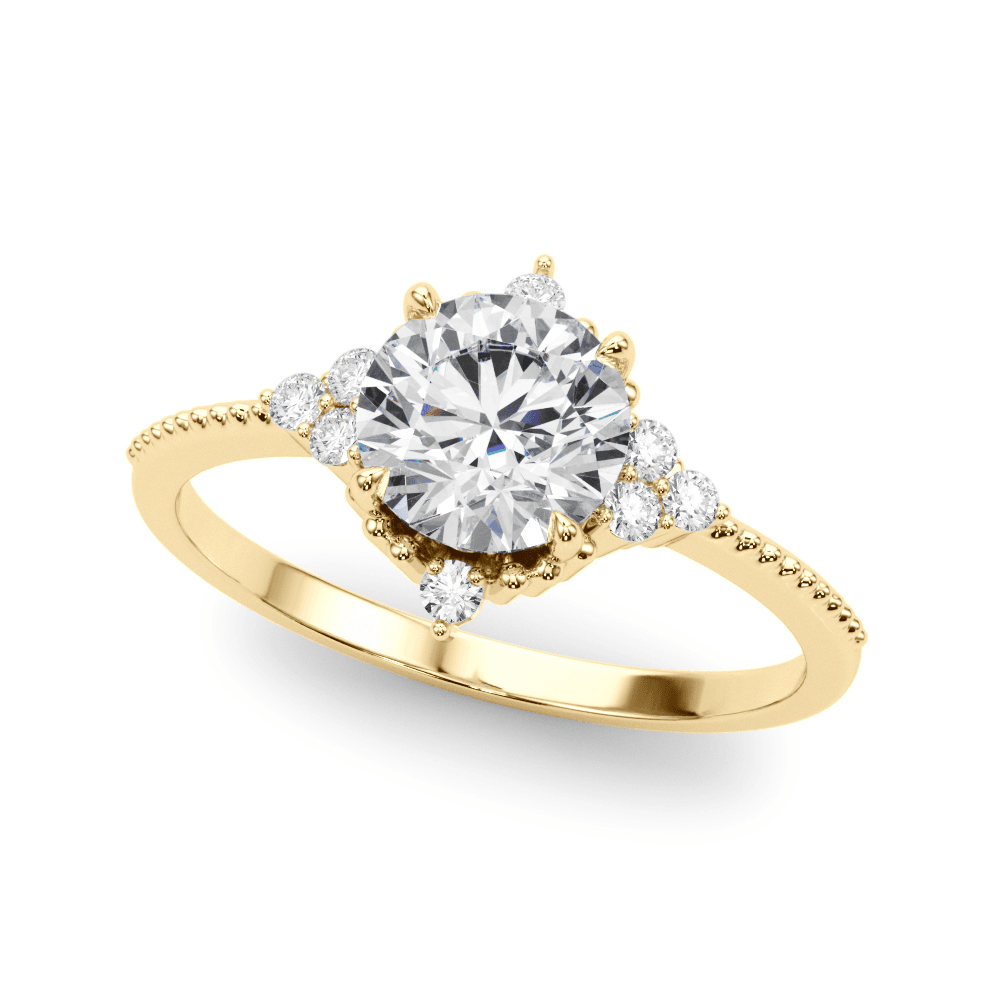
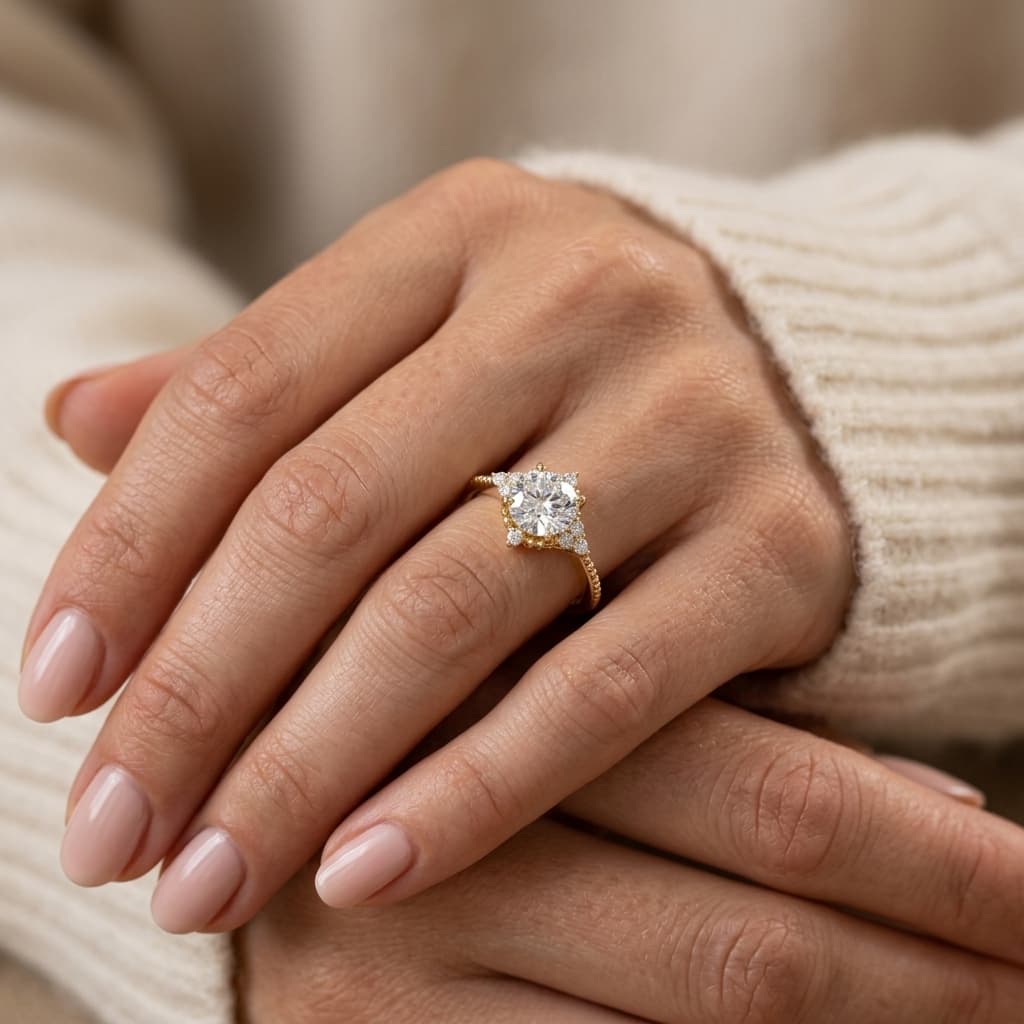
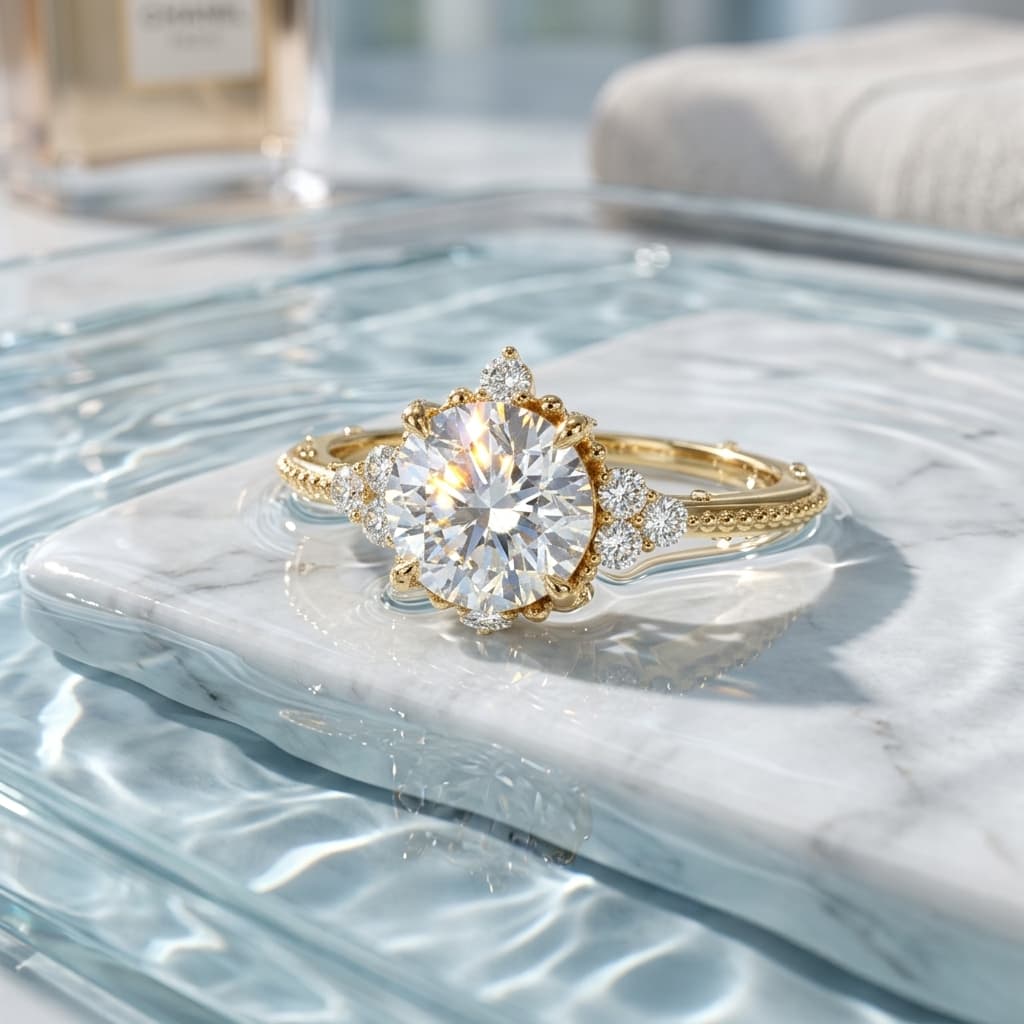
Original photo and AI-generated examples
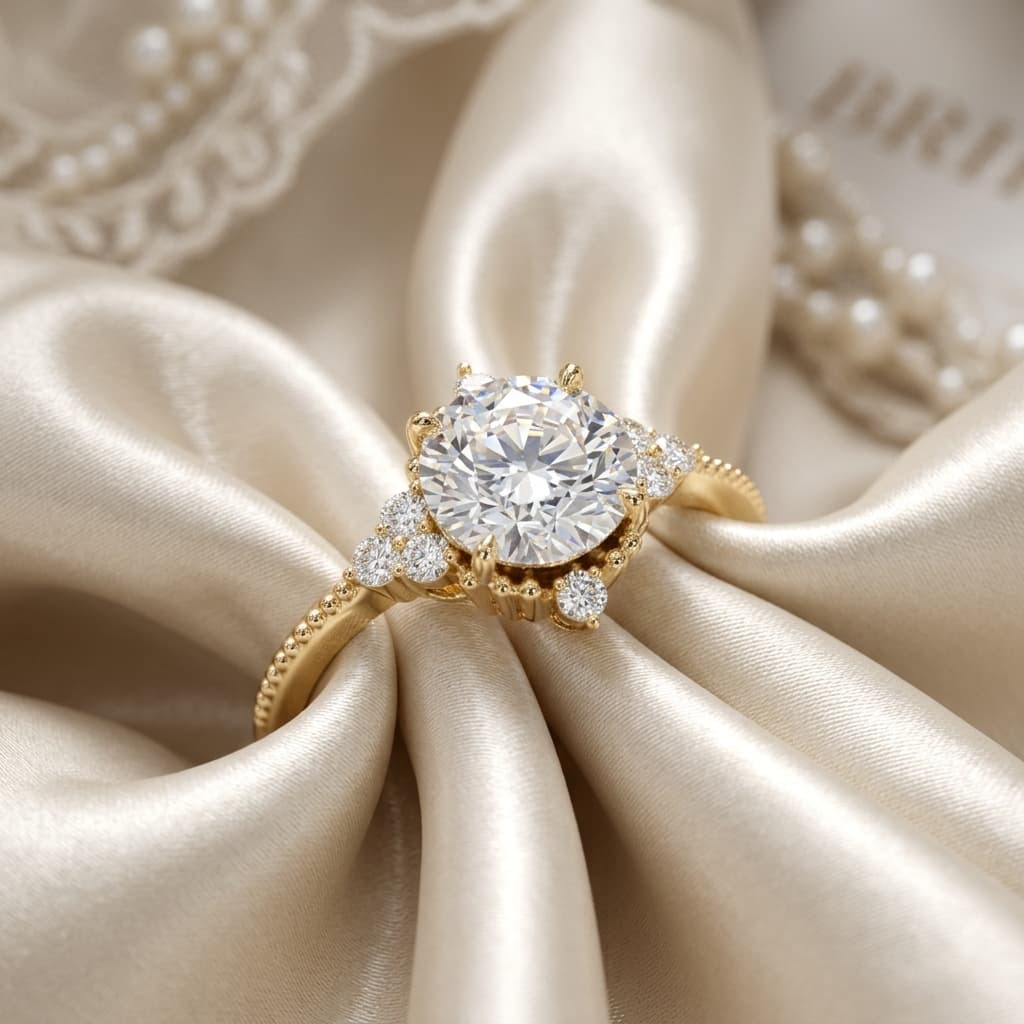
AI-generated examples · review against your source product
INTERACTIVE STUDIO
Try the AI Image Studio Playground
Your photo, your scene, one image at a time. Create a preview, then review the details before publishing.
Image Studio
Uses 1 preview · One image per generation
More than an image.A complete commerce engine for your jewelry.
Connect visual presentation with supported design, supplier, and handoff workflows. Features depend on your plan and setup.
Illustrated workflow: use the original ring photo, choose Lifestyle, generate, then view the same ring in a new scene. The original stays visible for comparison.

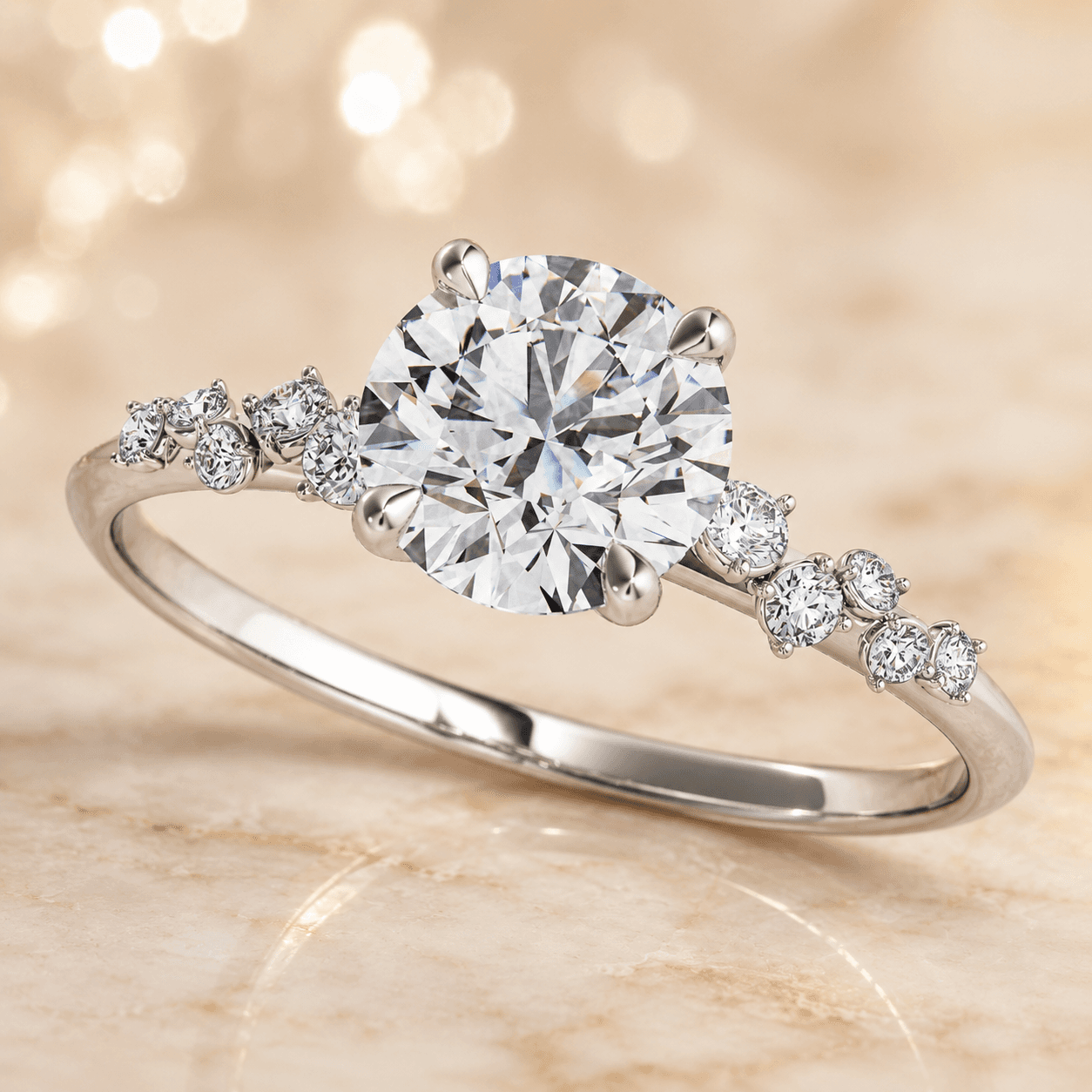
AI Studio Lookbooks
Studio, lifestyle, and on-hand scenes
Fresh editorial jewelry photos, whenever you need them. Explore generated hand-model presentations and studio backdrops from your product images. Review the details before publishing.
Illustrative supplier inventory: filter to two oval diamonds, then open the 1.20 carat E VS1 stone to review its grading and supplier price.

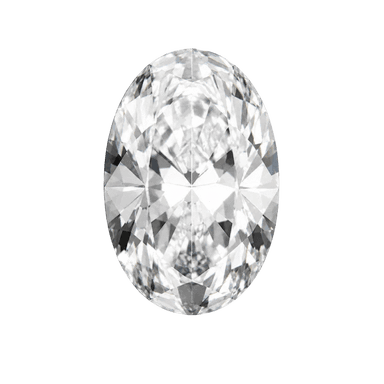
Live Diamond Sourcing
Your wholesalers · API, CSV, or FTPS
Customer wants a specific diamond? Bring your diamond inventory data together in Gemtheon, with an organized catalog of the stones you carry or source from your trusted suppliers.
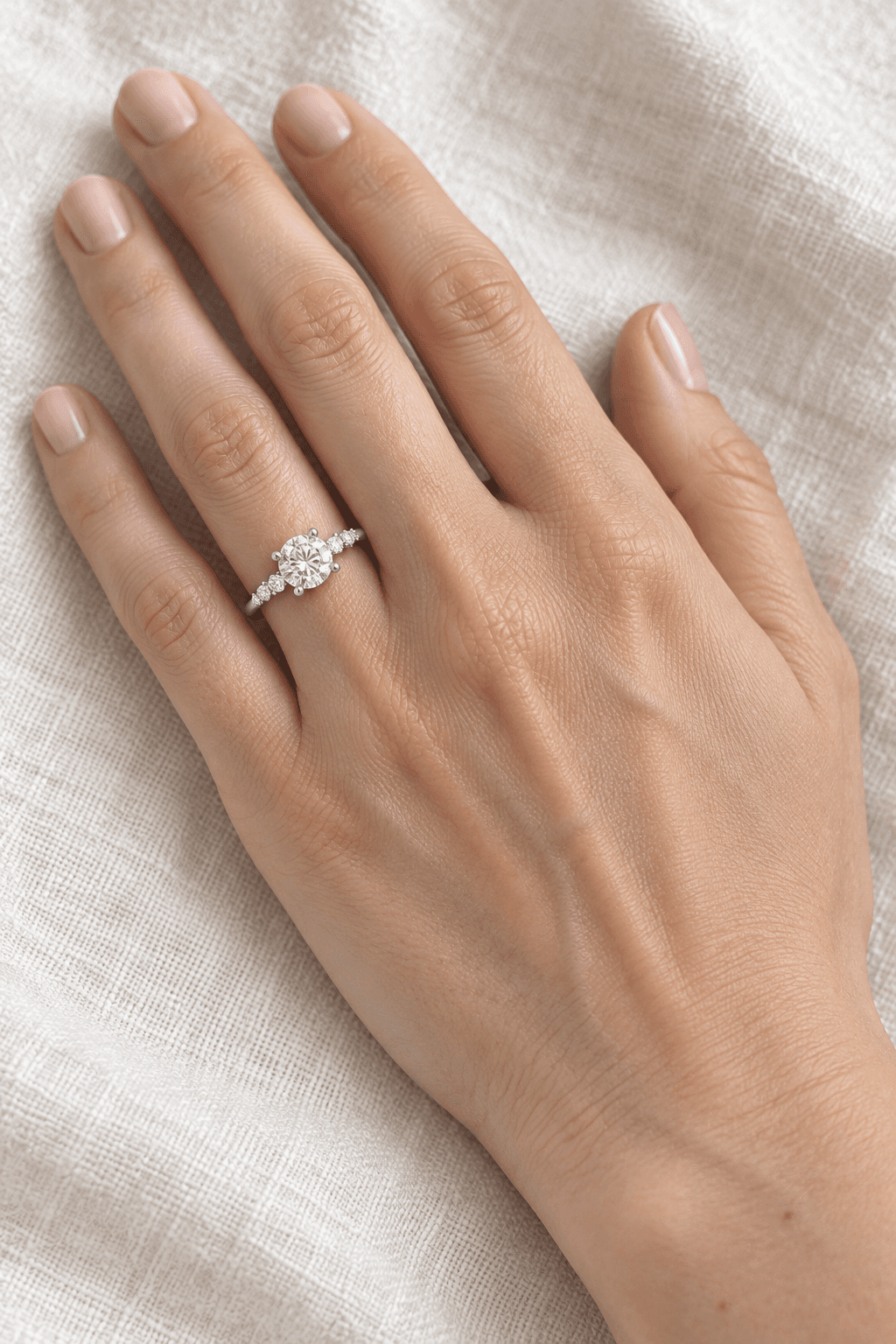
Illustrated try-on workflow: choose a ring, then see an AI-generated on-hand preview of the reference design. This is a photo illustration, not live camera footage or a sizing measurement.
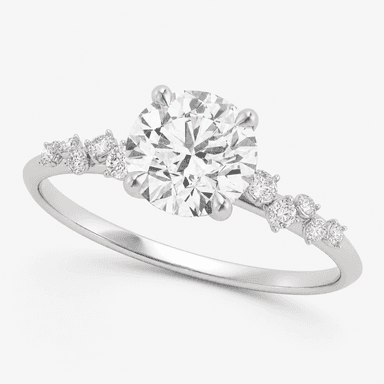 Round pavé ring
3D Preview & Virtual Try-On
Supported designs and compatible devices
Selling custom rings online? Let shoppers rotate supported 3D designs and explore available try-on presentations. Device support and inputs vary; previews do not measure ring size.
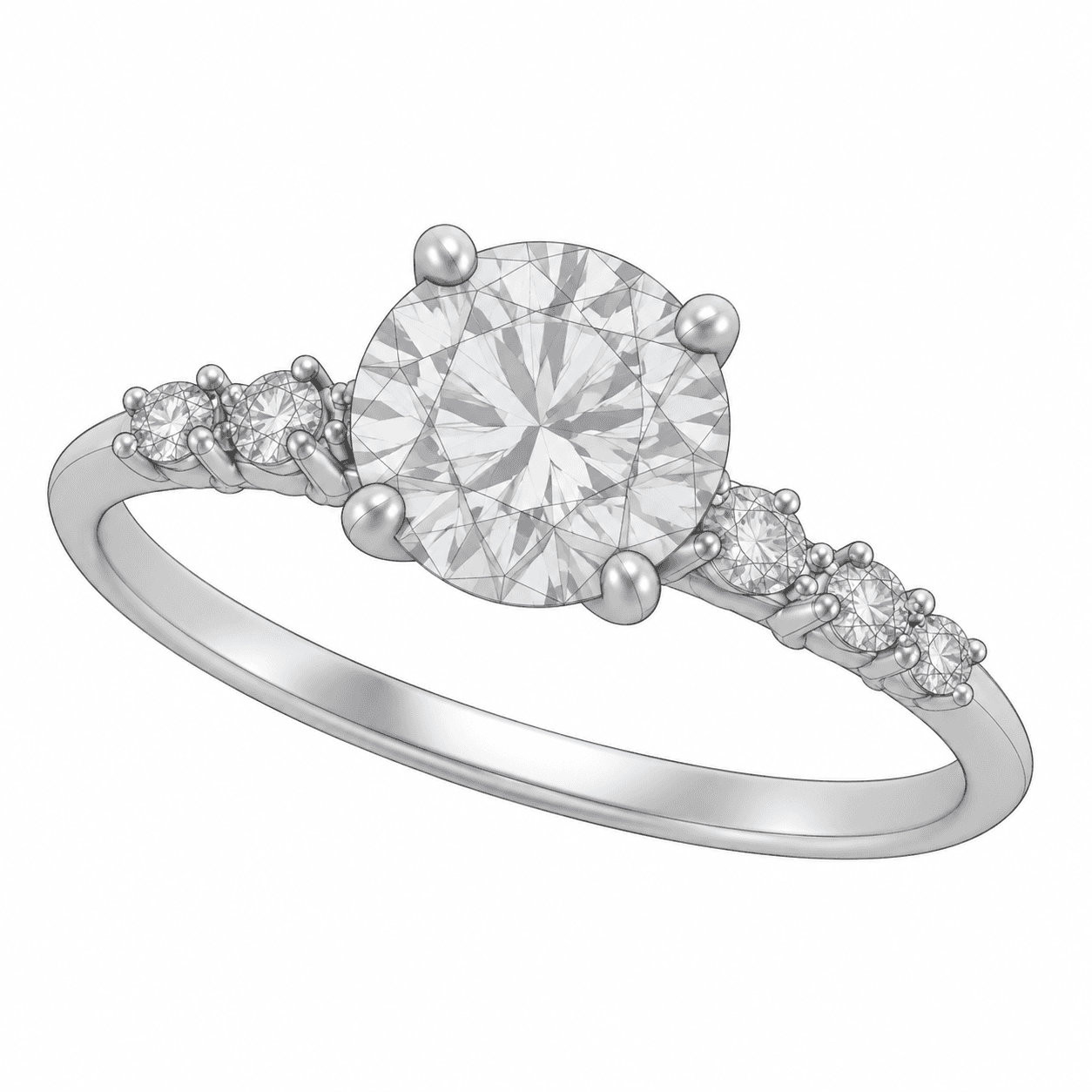
Illustrated handoff brief: a round center stone with four prongs, small round shoulder stones and a plain lower band, shown as a product image and a CAD-style illustration based on that image. These are visual references, not manufacturing files.
CAD Specification Handoff
Design details for workshop review
Keep the approved design details together. Prepare a specification handoff for your designer or workshop. Manufacturing files depend on the licensed design or commissioned CAD work; the workshop reviews stone fit and production requirements.
ALL JEWELRY LOOKS BETTER HERE
Every cut, metal, and angle
rendered in photorealistic luxury.
AI-generated examples of jewelry presented with studio lighting, lifestyle backgrounds, and hand models. Review details against your own product before publication.
AI-generated lookbook examples · Select a card for its next image
From flat shots to studio luxury.
Explore different presentations from a product photo, then compare product details before using the result.
Studio lighting
Photorealistic metal reflections and diamond fire.
On-model placement
Explore generated model presentations and supported skin tones.
Review before publishing
Compare the generated result against your original product.
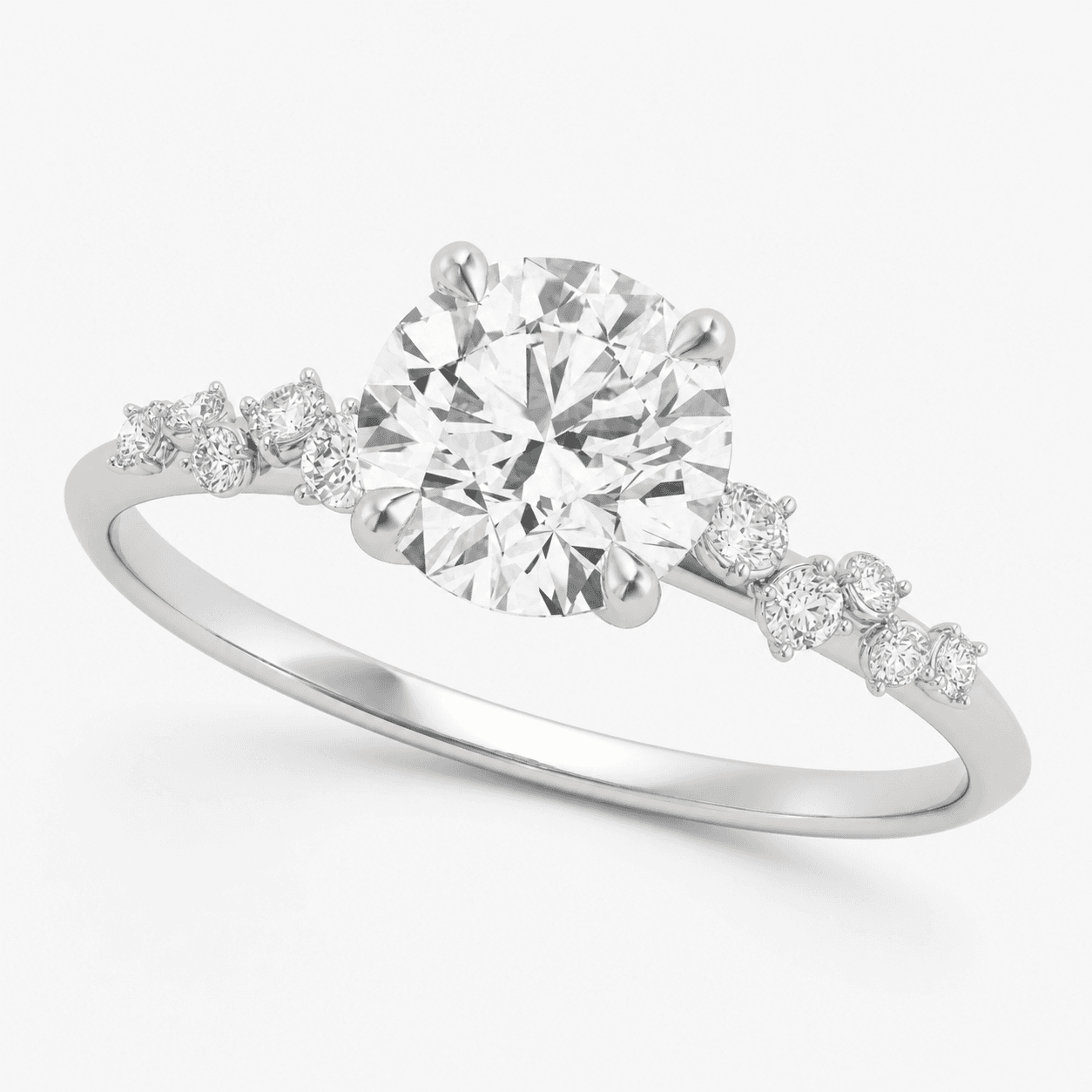
CAD render / Flat photo
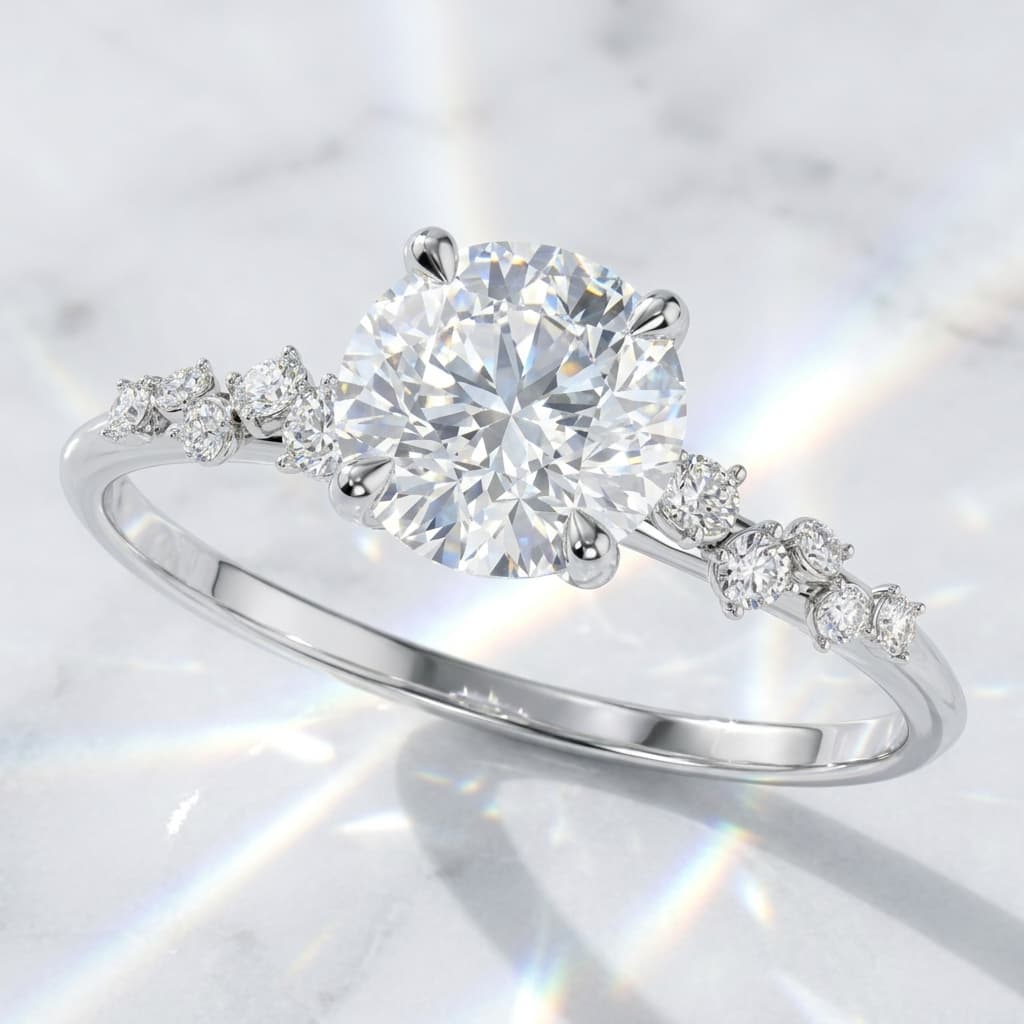
Prism Caustics · AI-generated example
Campaign-ready imagery without a photoshoot.
Explore lifestyle, on-hand, and studio presentations, then review product details before publishing.
Realistic hand & model imagery
Gemtheon Gen AI places your jewelry on photorealistic hand and wrist models — diverse skin tones, natural lighting, no studio required.
Explore a consistent collection
Use a common scene and styling direction across your products. Review a representative set before scaling to an eligible catalog workflow.
Prepare assets for your channels
Create options for product pages, social posts, and campaigns. Check product accuracy, export dimensions, and applicable usage terms before publishing.
Explore model and on-hand presentations
Compare generated model and on-hand examples. Review stone counts, settings, proportions, and metal appearance against the original product before publication.

@Gemtheon® — Lifestyle model placement creating generated editorial scenes.

@Gemtheon® — Photorealistic on-hand macro shot with natural skin texture and diamond refraction.
Turn settings into campaign assets
This illustrated workflow switches between saved model and on-hand examples. Use the Image Studio above to generate an image from your own product photo.
Diamond Drop Earrings · High-Fashion Architectural Shadow
Illustrative result · generated model scene
AI Product Studio
Edit Setting Media Pipeline
Use lifestyle setting with a model to create a luxury editorial look.
Generate a close-up ring shot on a woman's hand over a soft studio background.
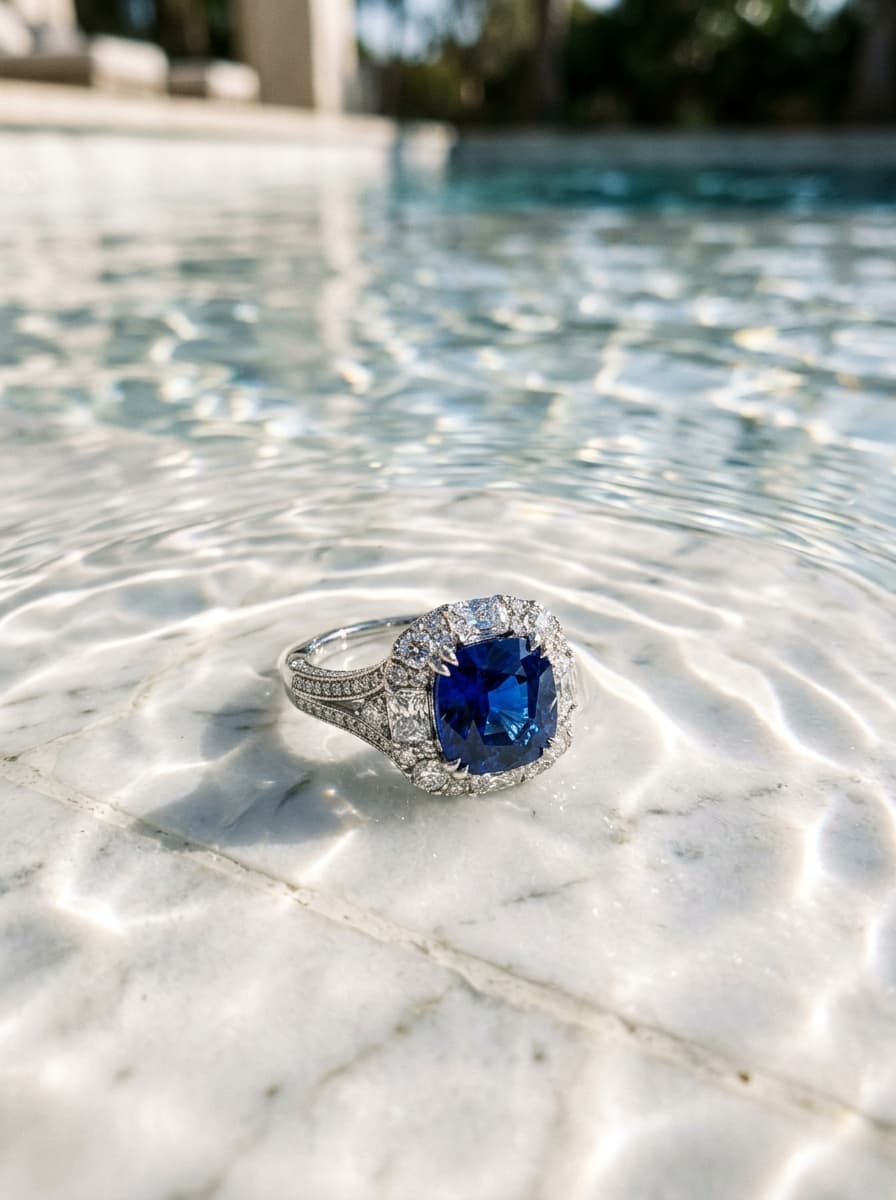
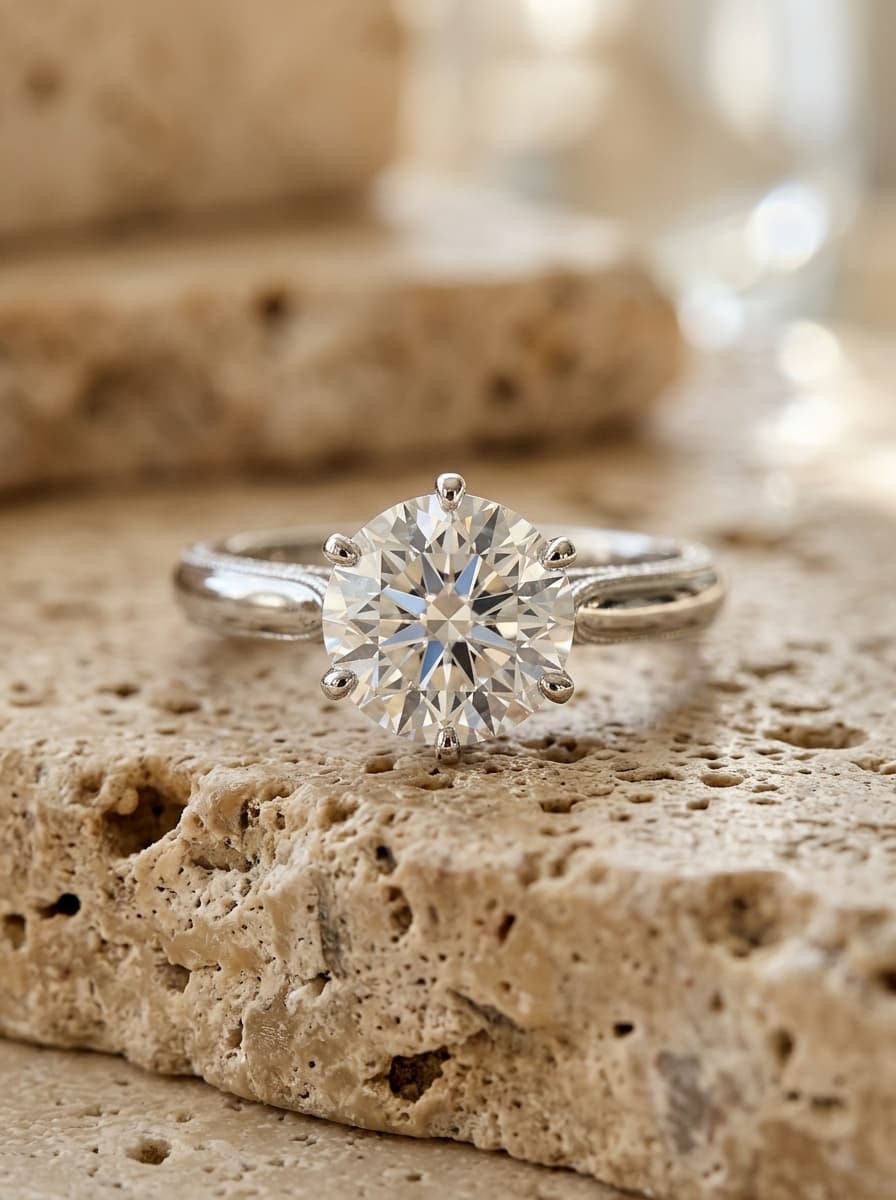
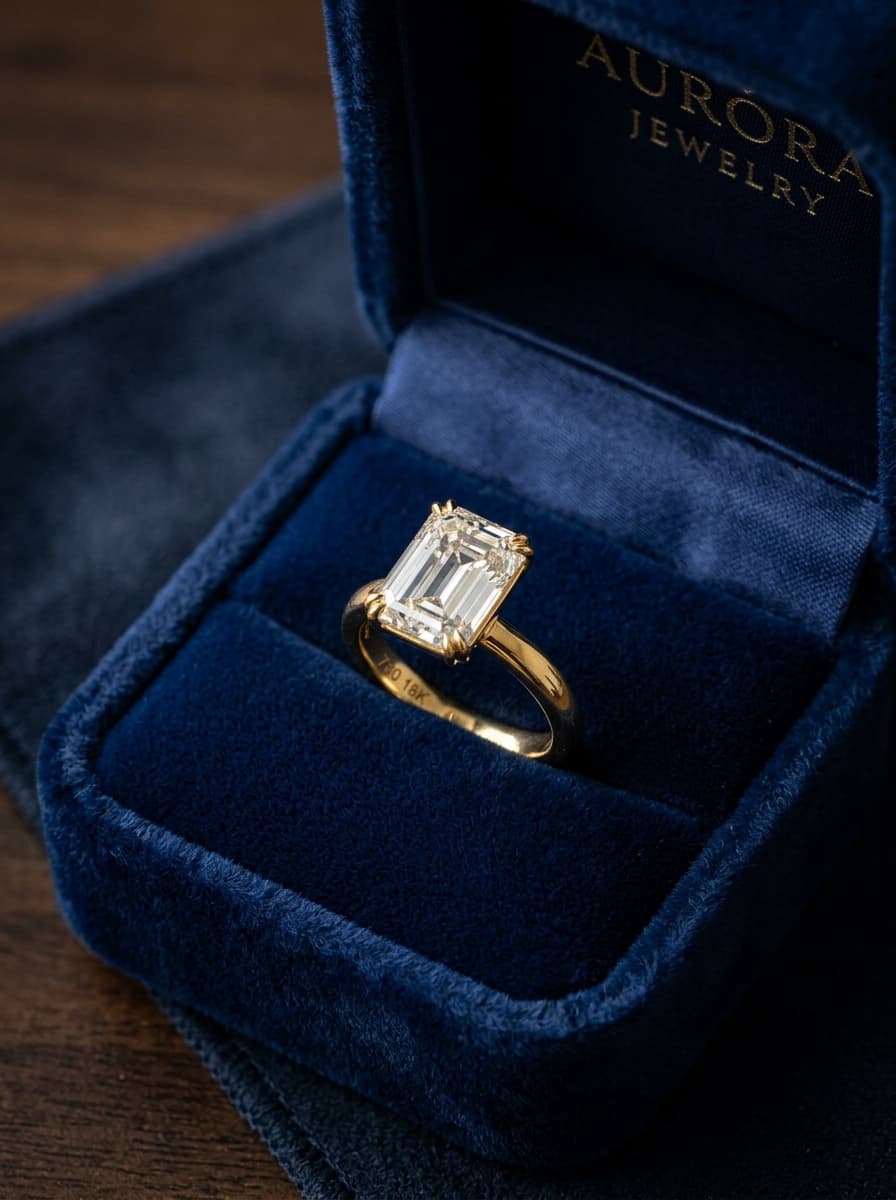
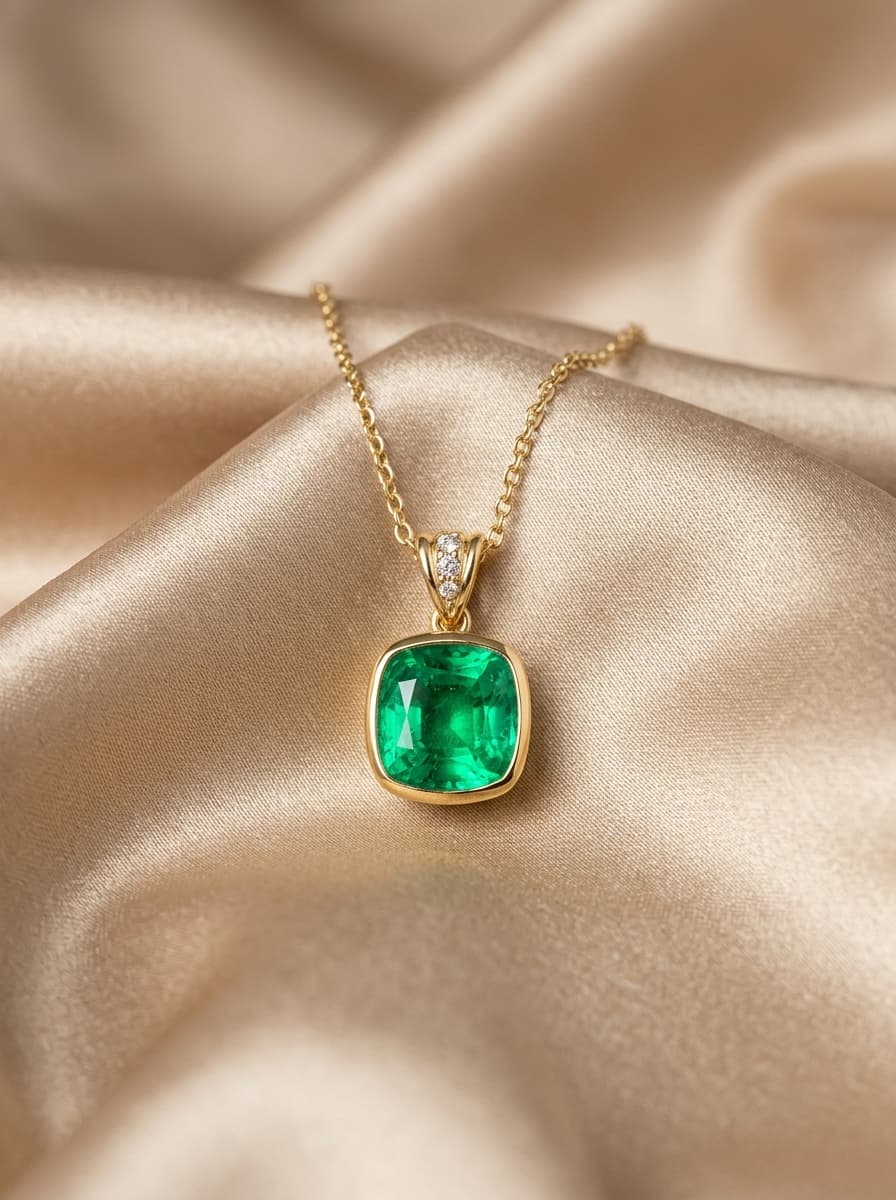
Upload. Choose a scene. Download.
Start with a clear source image, choose the presentation, and review the result. Generation time and available downloads depend on the workflow and account.
Upload your product
Upload a plain product photo or connect your Gemtheon catalog. Use a clear, well-lit product image and check the studio’s accepted formats.
Choose your scene
Select on-hand, lifestyle, studio white, or fabric. Choose skin tone and lighting. Preview before generating.
Download and publish
Compare the output against your source product. Download the resolution available to your account and publish the assets you approve.
AI credits
100 free AI credits to get started.
Purchase additional credits when you need more. Subscription plans below cover your commerce platform; AI credits are separate.
Pro
Interactive 3D ring builder, multiple vendor feeds, expanded live inventory capacity, advanced pricing & automation rules, multi-store deployment ready, priority support, and all Starter features included.
What's included:
Explorer
Search & discover 3D design library, interactive 3D viewer & images, reasonable virtual try-on, and customer project management.
What's included:
Starter
Basic ring selector on your CMS website, retailer custom branding, live vendor feeds, pricing & markup workflow, and all Explorer features included.
What's included:
Pro
Interactive 3D ring builder, multiple vendor feeds, expanded live inventory capacity, advanced pricing & automation rules, multi-store deployment ready, priority support, and all Starter features included.
What's included:
Enterprise
Multi-store live integration, custom & high-volume inventory & feeds, advanced custom integrations & workflows (POS / ERP), dedicated engineer & custom SLA support, and all Pro features included.
What's included:
FAQ
Questions about AI Jewelry Photography.
Got questions about commercial rights, input photos, or batch processing? We're here to help.

 READY TO LAUNCH
Put photorealistic AI photos on your site today.
Create a studio, lifestyle, or on-hand presentation from your product photo. Review the result, then download the assets available for your account.