
How to Choose a Ring Builder: A Jeweler’s Demo Checklist
Bring one real ring to the demo. Follow the customer’s choices from metal and diamond selection to pricing, mobile checkout, and the details your team receives.
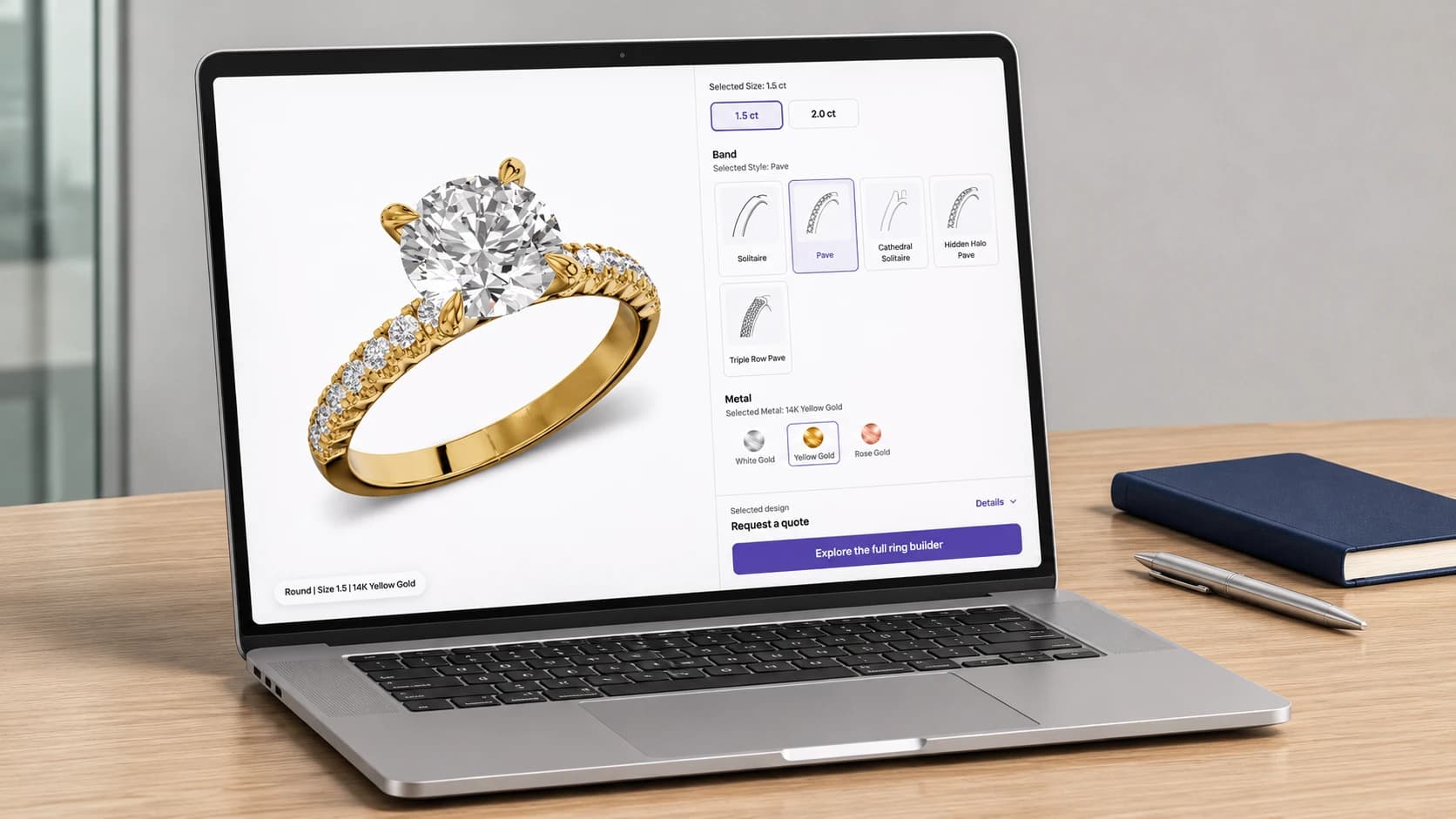
One ring. Five checks.
Follow the ring from selection to handoff
Use your own catalog example at every step. Keep the evidence, questions, and pending approvals together.
- 01
Change the metal
Check the option, preview, and price.
- 02
Choose a diamond
Verify the stone and availability.
- 03
Check the price
Compare with your own calculation.
- 04
Open it on mobile
Complete the same customer journey.
- 05
Place a test order
Read what reaches your team.
A ring builder is software that lets shoppers combine a ring setting, metal, diamond, and other supported options before requesting a quote or checking out. To choose one for your jewelry store, test those choices against your own catalog, pricing rules, supplier data, and order workflow.
The quick answer
Bring one real ring to every demo. Change the metal, choose a diamond, check the retail price, open it on your phone, and place a test order. Then ask your team to explain exactly what was selected and what still needs confirmation before production.
Start with one real ring
Choose a setting you sell regularly, with at least two metal options and a center stone your team can source. Bring the setting SKU, supported finger sizes, stone dimensions, supplier reference, and an expected retail price. Use the same example with every provider.
Include one difficult case: an unavailable diamond, an unsupported stone size, or a request that needs a jeweler’s approval. This shows how the builder handles the exceptions your staff will actually see.
Agree on the outcome first
Decide whether this ring should lead to a paid order, a quote request, or a consultation. A clear review step can be the right outcome for custom work. Ask the provider to demonstrate your chosen route from start to finish.
1. Change the metal and inspect the preview
Switch between the metals you offer. Check that the selected name, purity, image or 3D model, and price stay consistent. Inspect the ring from the top and side, including the prongs, gallery, and space for a wedding band.
| Preview format | Useful when | What to verify |
|---|---|---|
| Photos or rendered views | You sell defined combinations that can be shown clearly in a fixed set of views. | Available images match each supported option; side views and close-ups answer common questions. |
| Interactive 3D | Customers need to rotate the ring and inspect supported variations from different angles. | The model reflects the selected combination, loads on mobile, and has a useful fallback if it cannot load. |
Neither format proves that a ring is ready to manufacture. Ask which details are accurate representations and which remain illustrative. Confirm how new settings and changes to existing designs get added.
2. Choose a diamond and check availability
Select a diamond from a source you use. Check the stone identifier, grading report reference, dimensions, natural or laboratory-grown designation, price, and availability. Confirm which of these details appear to the shopper and which reach your team.
- Ask when supplier inventory was last refreshed and what happens when a feed is delayed.
- Test a diamond that becomes unavailable before checkout. Does the customer see a clear next step?
- Ask whether a “hold” reserves the stone with the supplier, reserves it only inside your store, or sends a request for manual confirmation.
- Check whether the selected stone’s dimensions are compatible with the setting and when a jeweler must review the fit.
A feed is not a reservation
An availability update and a confirmed supplier hold are different events. Ask who confirms the stone, when that happens, and what the customer is told while confirmation is pending.
3. Check the retail price
Calculate your expected price independently, then repeat the calculation in the demo. Change one option at a time so you can explain the difference. Use your actual markup rules rather than relying on the provider’s sample catalog.
- Compare the setting price, diamond price, metal adjustment, and supported extras.
- Check rounding, currency, and how taxes and shipping are presented for your store.
- Test a promotion you really use, including any exclusions for diamonds or custom work.
- Ask what happens if a supplier cost changes between saving a ring and placing the order.
- Confirm whether the displayed amount is a firm selling price or an estimate that requires approval.
Write down who can change pricing rules and how your team checks an update before it reaches customers. You should be able to explain a price without exposing your supplier cost or margin to shoppers.
4. Repeat the journey on your phone
Use a phone your customers might own and a normal mobile connection. Start from the product page, select the ring, open the diamond filters, review the price, and continue to the next step. Check that labels remain readable and buttons are easy to tap.
- Rotate or zoom the preview without getting stuck or accidentally moving the page.
- Go back a step and confirm the selected metal, diamond, and size remain intact.
- Save or share the configuration if this is part of your sales process, then reopen it.
- Check the experience when a model or supplier result takes longer to load.
For Shopify, WooCommerce, or Magento, ask to see the exact integration your store would use. Test the configured ring in the cart, checkout or quote flow, customer confirmation, and store admin. Compatibility needs to be demonstrated for your setup, including the apps you depend on.
5. Place a test order and inspect the handoff
Use a test checkout or agreed demo order. Open the resulting record with someone from your sales or workshop team. Can they describe the ring without reconstructing the customer’s choices from screenshots or email?
| Recorded customer selections | Confirmation before production |
|---|---|
| Setting SKU and configuration reference | Correct design version and any requested modifications |
| Metal, purity, finger size, and sizing system | Size confirmation and manufacturing tolerances |
| Diamond ID, report reference, and dimensions | Supplier availability or hold, and setting compatibility |
| Selected extras and customer notes | Feasibility, additional cost, and customer approval |
| Quoted or paid amount and order status | Final pricing approval, payment conditions, and agreed delivery timing |
Ask which files are included, who creates them, and who approves them. A browser preview is not automatically a production CAD file. If your workshop requires STL, 3DM, or a specification sheet, inspect a sample and confirm whether it is generated, supplied from your catalog, or prepared manually after review.
The handoff test
Give the test order to a colleague who did not attend the demo. Ask: “What did the customer choose, what is still pending, and who owns the next step?” Any uncertainty belongs on your evaluation checklist.
Compare ring builders with the same scorecard
Copy this scorecard into your demo notes. Mark each row “demonstrated,” “needs follow-up,” or “not supported,” and record evidence such as a test order reference. Treat requirements essential to your store as decision gates; an attractive preview cannot resolve a missing ordering workflow.
| Area | Evidence to collect | Result / follow-up |
|---|---|---|
| Catalog fit | Your setting, metals, sizes, and allowed combinations | Record in your demo notes |
| Preview | Accurate option changes and useful detail views | Record in your demo notes |
| Diamond data | Source, refresh timing, and unavailable-stone behavior | Record in your demo notes |
| Retail pricing | Expected calculation and promotion behavior | Record in your demo notes |
| Mobile journey | Completed configuration on your test phone | Record in your demo notes |
| Store integration | Selections retained through your checkout or quote flow | Record in your demo notes |
| Team handoff | Readable order record with pending approvals | Record in your demo notes |
| Launch and support | Written scope, responsibilities, and ongoing costs | Record in your demo notes |
Check setup, support, and ongoing costs
Ask for a written proposal based on your catalog and workflow. Compare the full work needed to launch and maintain the builder, rather than the subscription alone.
- Setup: catalog mapping, product images or 3D assets, storefront styling, and integration work.
- Ongoing work: new designs, supplier connections, model revisions, and pricing changes.
- Support: who handles a broken checkout or stale feed, and the agreed response process.
- Ownership and exit: how you export catalog data, saved configurations, and order records; confirm rights to design assets.
- Launch acceptance: who signs off on pricing, mobile behavior, and test orders before customers use it.
Common questions about choosing a ring builder
What is the difference between a ring builder and a jewelry configurator?
A ring builder is a jewelry configurator focused on rings. Both terms can describe software for choosing supported product options. The label alone does not tell you whether it includes 3D previews, diamond feeds, checkout, or production files; ask to see each required capability.
Do I need a 3D ring builder?
Choose 3D when free rotation and supported design changes help answer customer questions that fixed views cannot. Photos and rendered views may be enough for a defined catalog. Evaluate visual accuracy, mobile usability, and the effort needed to maintain assets in either case.
Can a ring builder work with Shopify, WooCommerce, or Magento?
A provider may offer an app, plugin, embedded experience, or custom integration. Ask which method supports your platform and version, then test it with your theme, checkout or quote workflow, promotions, and order records. A platform logo is not evidence that every part of your setup is supported.
Does a ring builder create production-ready CAD files?
Some workflows include CAD deliverables; others only capture the configuration. Confirm the exact files, preparation work, review steps, and costs. Your jeweler or manufacturing partner should approve the design before production.
What should I test first in a ring builder demo?
Start with one real setting from your catalog and follow it through metal selection, diamond selection, pricing, mobile use, and a test order. Then inspect what your team receives and list every outstanding confirmation.
Continue your evaluation
Use these related guides to examine the workflow behind the preview.
Bring your catalog
Put one of your rings through the demo
Bring a setting, your diamond sourcing requirements, and an example retail price. Use this checklist to discuss the customer journey and the handoff your team needs.
Related articles
Keep exploring the ideas, workflows, and growth tactics connected to this topic.
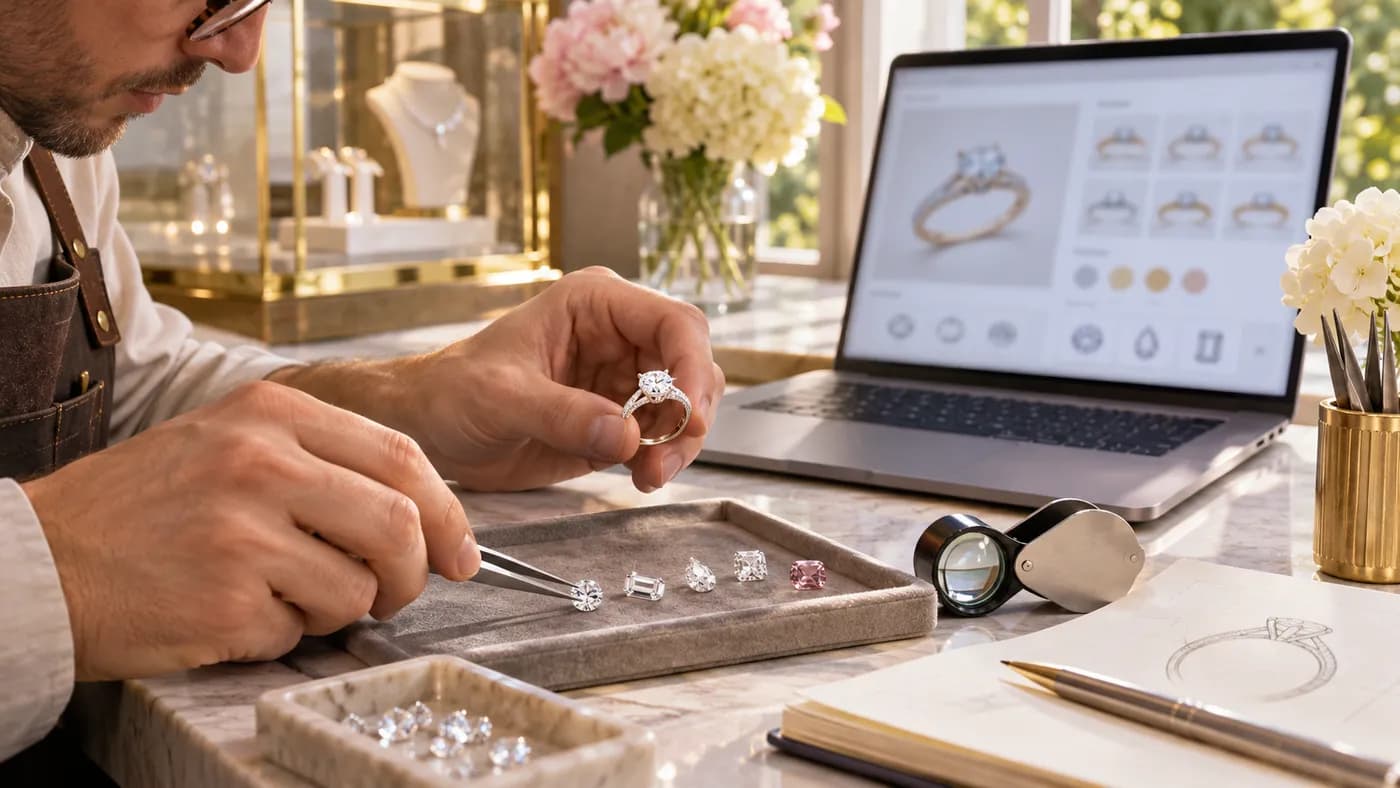
How to Sell Custom Engagement Rings on Shopify
A practical look at bringing settings, diamonds, pricing and customer guidance together in an online store.
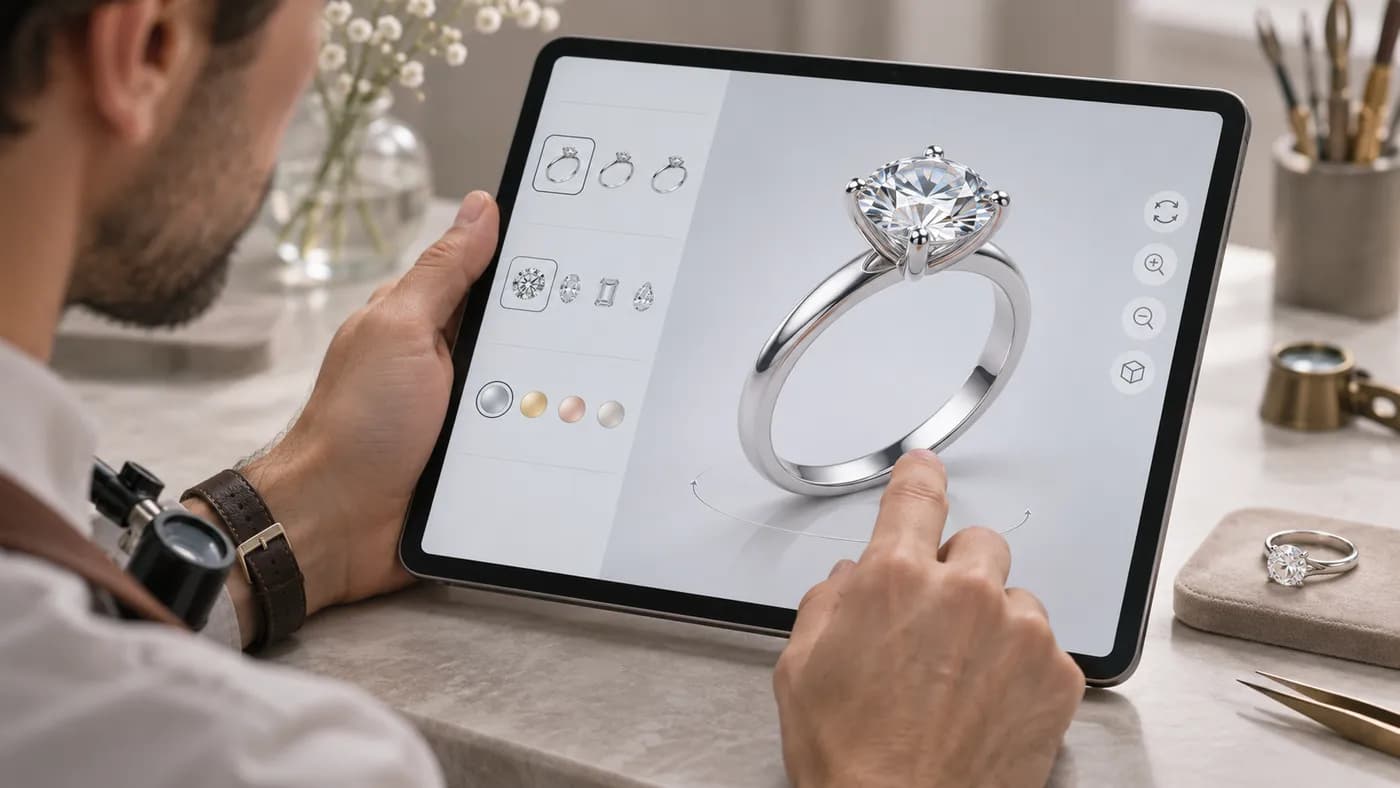
What to Look for in a 3D Ring Builder for Shopify
Questions to ask about ring models, inventory, mobile experience, pricing and the work that follows an order.
How to Sell Custom Engagement Rings Online with 3D Preview and Live Feeds
A practical guide for independent jewelers transitioning custom engagement rings from a physical showroom to an online 3D commerce store.