
How to Add a Ring Builder to Your Jewelry Website
Compare website integration options, connect the supplier data your team checks most often, and test what happens from ring selection to checkout or quote.
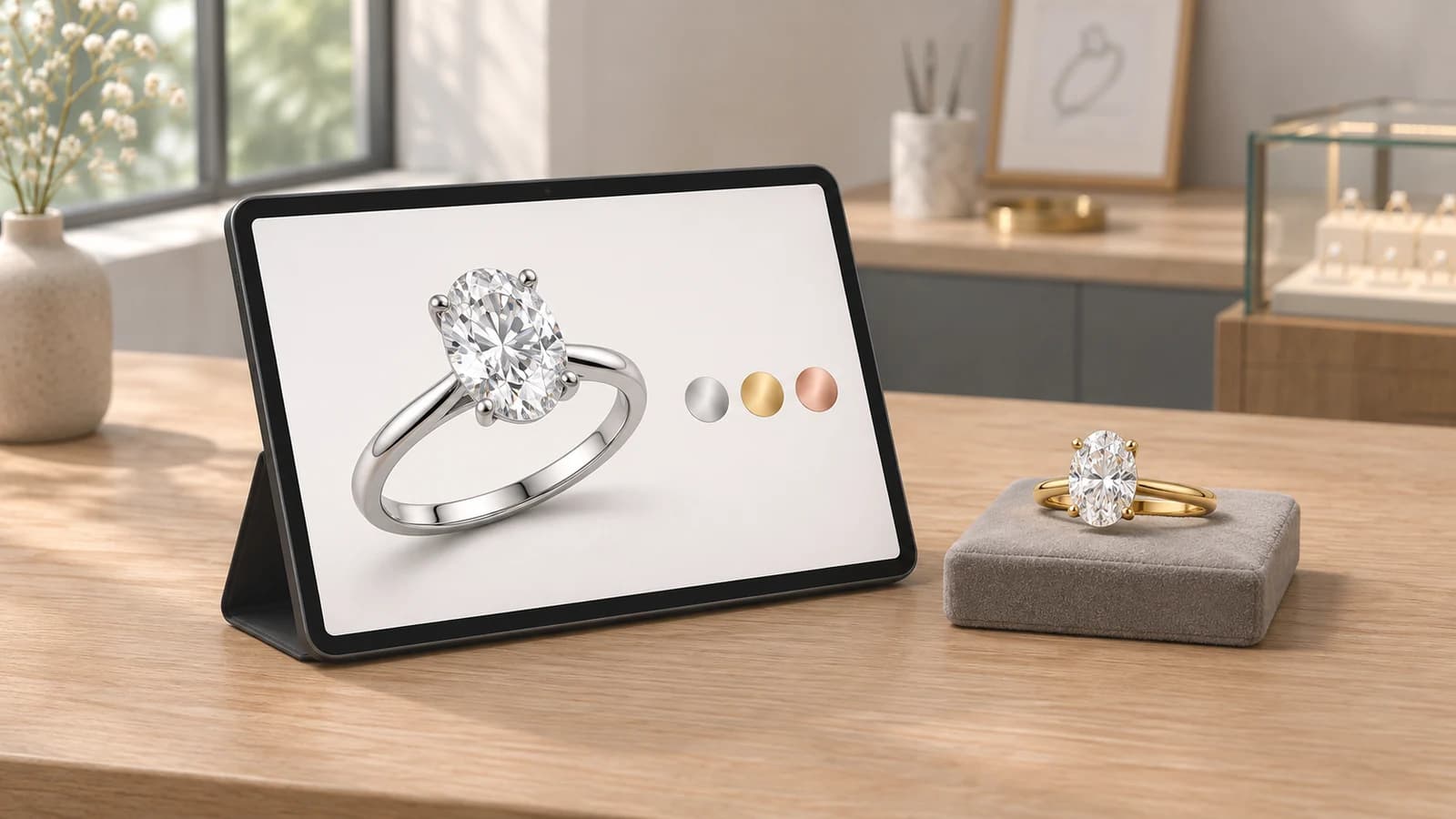
A shopper picks an oval diamond and a solitaire setting on your website. Can your team confirm the stone fits, check that it’s still available, and see exactly what the shopper chose? Those are the questions worth asking when you compare ring customization software.
Try the shopper’s journey
Pick a setting, choose a diamond, and review the completed ring in Gemtheon.
What ring customization software works well for jewelry retailers?
A jewelry-specific ring builder works well when customers need to pair a setting with a center stone, choose a metal and ring size, and see a price based on those selections. If you sell a fixed collection with a few choices per ring, an ordinary product options app may cover what you need. For one-off commissions that your workshop prices individually, a configurator that sends a detailed quote request may fit better.
How Gemtheon fits
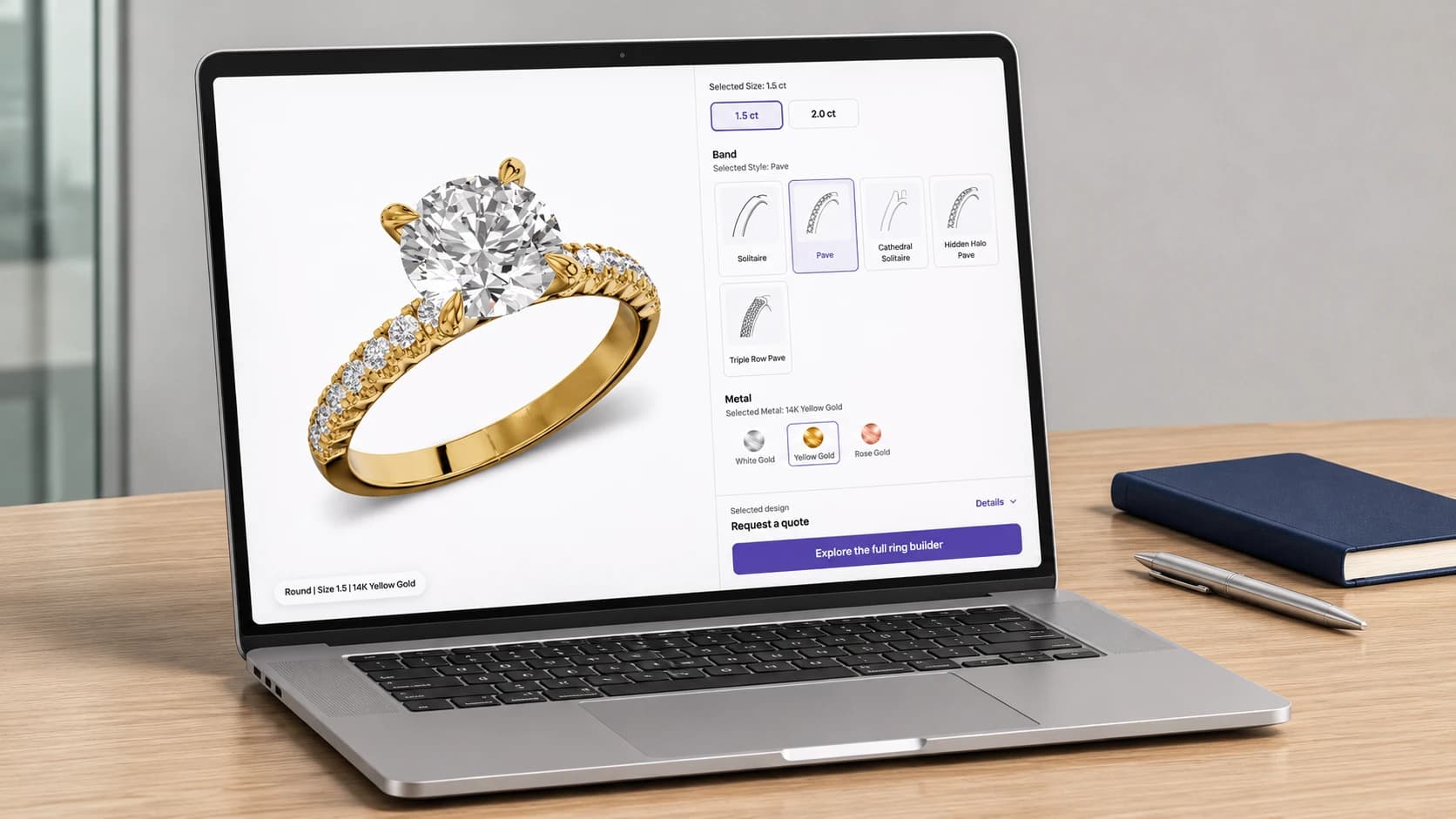
Gemtheon Ring Builder lets retailers offer a branded setting-and-diamond shopping experience using their own inventory or eligible supplier feeds. Your store controls the assortment and retail markups. Starter offers ring-and-diamond selection. Pro and Enterprise add interactive 3D for compatible ring models.
When you test a builder, use two oval diamonds with the same carat weight and different millimeter dimensions. Check how the builder handles each stone with the same setting. Then check that the exact stone, setting, metal, and size carry through to the cart or quote.
How can jewelers reduce manual supplier follow-up?
Start with the questions your team asks suppliers repeatedly. Is this stone available? What’s the current cost? What size stone does this setting take? Bring the answers your suppliers already provide into a shared catalog through an authorized feed. The source might be an API, a CSV file, or a file delivered via FTPS.
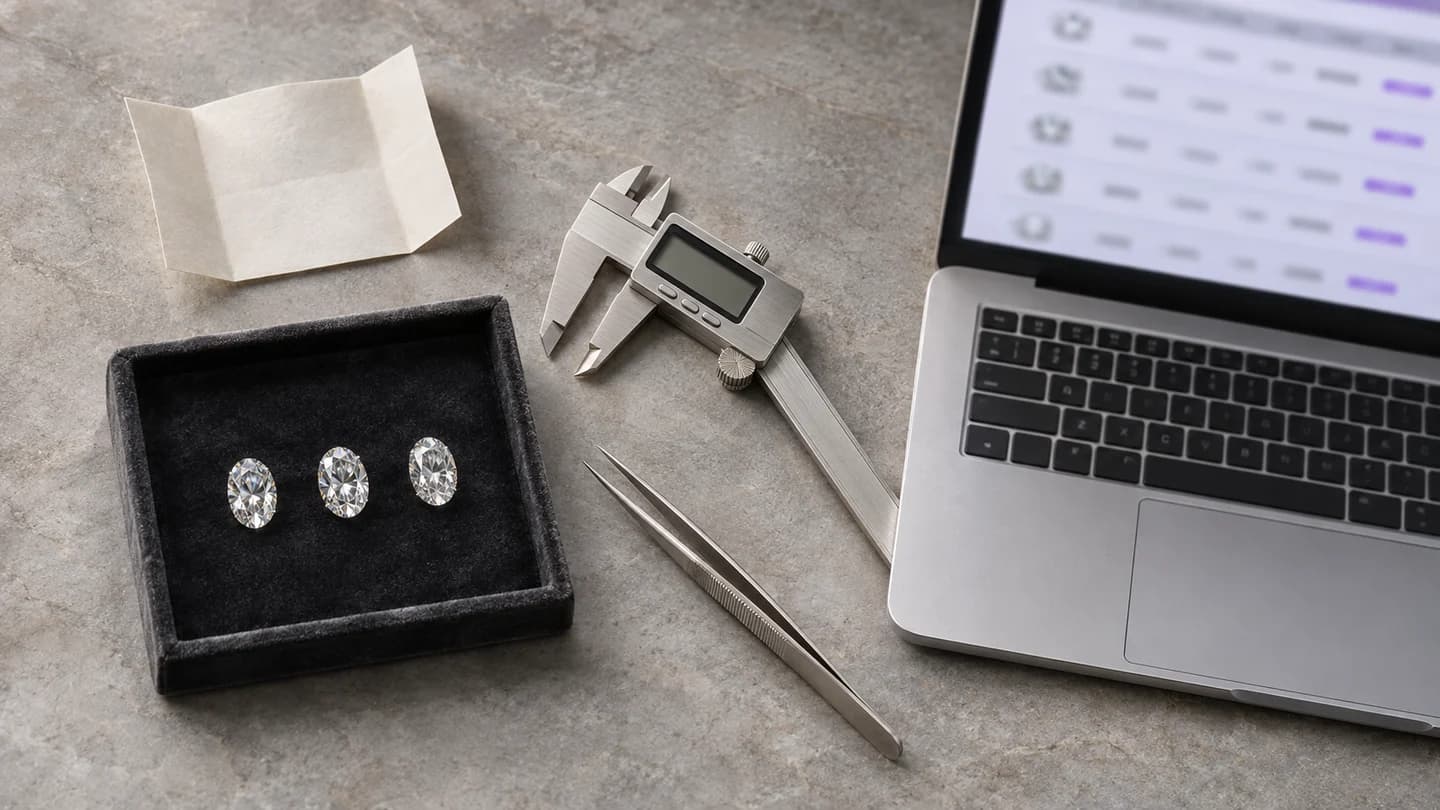
- Start with one supplier and a small assortment. Map supplier SKUs, stone dimensions, wholesale prices, and availability where those fields are provided. Record how often the feed refreshes.
- Apply your store’s retail pricing rules. Use the same markup rules for the builder and your team’s quotes so a change in supplier cost can flow into the price you present.
- Assign someone to handle exceptions. Agree who confirms availability before making a firm promise to the customer, requests a hold if the supplier offers one, and follows up on missing dimensions or lead times.
Wholesale feed mapping
Gemtheon maps eligible, authorized wholesale feeds at no extra charge. Available fields, refresh timing, and feed limits depend on the supplier connection and your plan.
What are the options for adding a ring builder to a jewelry website?
You can add ring options to existing product pages, install a dedicated app or plugin, embed a hosted configurator, or build a custom integration. Choose based on what you sell and what a shopper should be able to do with a finished ring.
| Website option | When it works well | What to test |
|---|---|---|
| Product variants or an options app | You sell a fixed collection with choices such as metal, size, or engraving. | Each combination shows the right price and availability. |
| Ring builder app or plugin | Customers choose a setting and a center stone from separate catalogs. | The configuration and price carry into your cart or quote. |
| Embedded or hosted configurator | You want a dedicated design experience that can end in a consultation or quote request. | It works on mobile and sends the shopper’s selections to your team. |
| Custom integration | You need to connect a bespoke site or coordinate with existing inventory, pricing, or order systems. | Confirm who maintains the connection and how it handles a supplier update failure. |
Set up Gemtheon on your storefront
On Shopify, you can add Gemtheon through its app and a theme app block. With WooCommerce, Gemtheon offers a WordPress plugin and shortcode. The integrations directory also lists options for Adobe Commerce, Wix, and custom storefronts.
Explore Gemtheon
Build a sample ring with Gemtheon
Pick a setting your team sells regularly. Add a diamond, change an option, and review the finished ring. Pay attention to which choices you’d want to carry into your own checkout or consultation.
Related articles
Keep exploring the ideas, workflows, and growth tactics connected to this topic.
How to Choose a Ring Builder: A Jeweler’s Demo Checklist
Bring one real ring to the demo. Follow the customer’s choices from metal and diamond selection to pricing, mobile checkout, and the details your team receives.

How to Connect Wholesale Diamond Feeds and Prevent Inventory Overselling
Connect a diamond supplier source, map the right fields, and test pricing, availability, and order confirmation before expanding your online catalog.

How to Connect a Wholesale Diamond Feed to a Shopify Store
What suppliers and retailers should agree on before connecting diamond data to an online selling experience.