
How to Sell Custom Engagement Rings on Shopify
A practical look at bringing settings, diamonds, pricing and customer guidance together in an online store.

Selling an engagement ring online is rarely as simple as choosing a size and checking out. Customers may know their budget before they know the setting, the diamond shape or even the questions they need to ask. A good online experience gives them a way to explore without making them feel as if they need to become an expert first.
Start with the choices you can actually fulfill
Decide which settings, metals and diamonds you want to offer online. Some may come from your own showcase; others may be available through a wholesaler. Before adding them, check which combinations fit together, how availability is confirmed and who will make the finished ring. A smaller, well-maintained selection is often easier for both your staff and your customers to navigate.
Begin with the rings your team already feels comfortable selling. A customer may see a setting they love with an oval diamond, then ask whether it can also hold a round stone. Record the compatibility, size range and expected production process before promising those choices online. If a setting must be modified for a particular diamond, explain when your team will confirm the details.
Give customers a choice of where to begin
Some shoppers arrive with a specific diamond in mind; others start by saving pictures of rings. Organize the experience around the choices your store can support and use plain labels throughout. If you begin with a setting, explain that the center stone is selected separately. If a shopper is comparing diamonds, show enough context for them to understand what is included in the price.
- Show the setting, metal and diamond choices available for the configuration.
- Explain whether prices include the center stone and any customization.
- Provide a clear way to contact your team when a customer needs advice.
Make the next decision feel manageable
Let shoppers explore a setting and a diamond without presenting every possible detail at once. Clear images, meaningful filters and a concise explanation of what affects the price can help. If the chosen setting needs a particular stone shape or size, make that clear before a customer becomes attached to an incompatible combination.
Check the price and the handoff
Review how your pricing rules apply to different diamonds, metals and sizes. Test the amount a shopper sees against the amount in the cart, and decide how you will handle changes in supplier prices or unavailable stones. Also look at the order details your team receives: your workshop may need additional dimensions, files or confirmation before production begins.
For example, a setting might be priced without its center stone while another is sold as a complete ring. Those distinctions matter before the customer reaches checkout. Review tax, shipping, lead times and any deposit or payment conditions with the same care you would use during an in-store consultation.
Answer the questions a sales associate would hear
A ring may need to be made, sized or checked with a supplier before it ships. Tell customers what happens next and when they can expect an update. Include your policies for resizing, returns and changes to an order, using the terms that actually apply to your business. If every custom ring is handled differently, say when your team will confirm the timeline rather than giving a date you cannot guarantee.
Preview the experience before publishing
Walk through the experience on a phone and a computer, from the first choice through the cart. Ask someone unfamiliar with your catalog to try it. Shopify supports app blocks in compatible themes, although available placements depend on the theme and app. Review your own setup in the theme editor before making it visible to shoppers.
Test a realistic mix: a ring using your own diamond, one using supplier inventory, a different metal and a configuration that should not be offered. Then place a test order through your normal process and review what reaches your team. The point is not to make every shopper follow one path; it is to make sure the paths you offer are understandable and workable.
Further reading
Shopify explains how app blocks work in compatible themes.
Gemtheon Ring Builder is one way to bring a ring selection experience to a Shopify store. Retailers can work with their own inventory and wholesale sources; the team also offers free help with setup and feed connections. Interactive 3D is available from Pro for supported assets.
Explore the workflow
Bring your ring experience to Shopify
See how Gemtheon combines ring selection, inventory and pricing in a Shopify store.
Related articles
Keep exploring the ideas, workflows, and growth tactics connected to this topic.
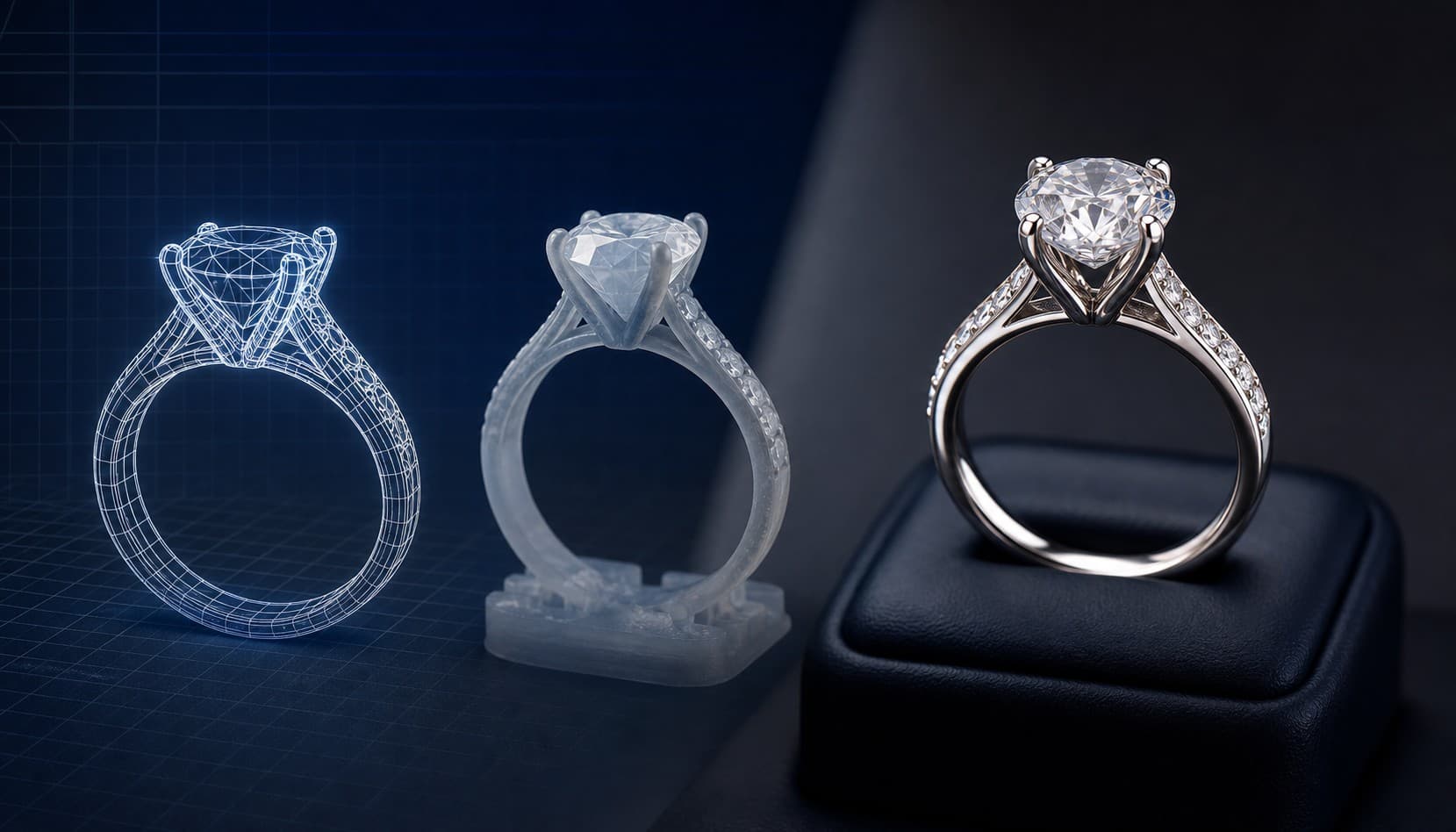
Jewelry Configurator Selection Guide: How to Choose a Ring Builder for Shopify, WooCommerce, and Magento
A technical evaluation checklist for independent jewelry retailers comparing 2D ring selectors, 3D WebGL configurators, native checkout integration, and pricing engines.
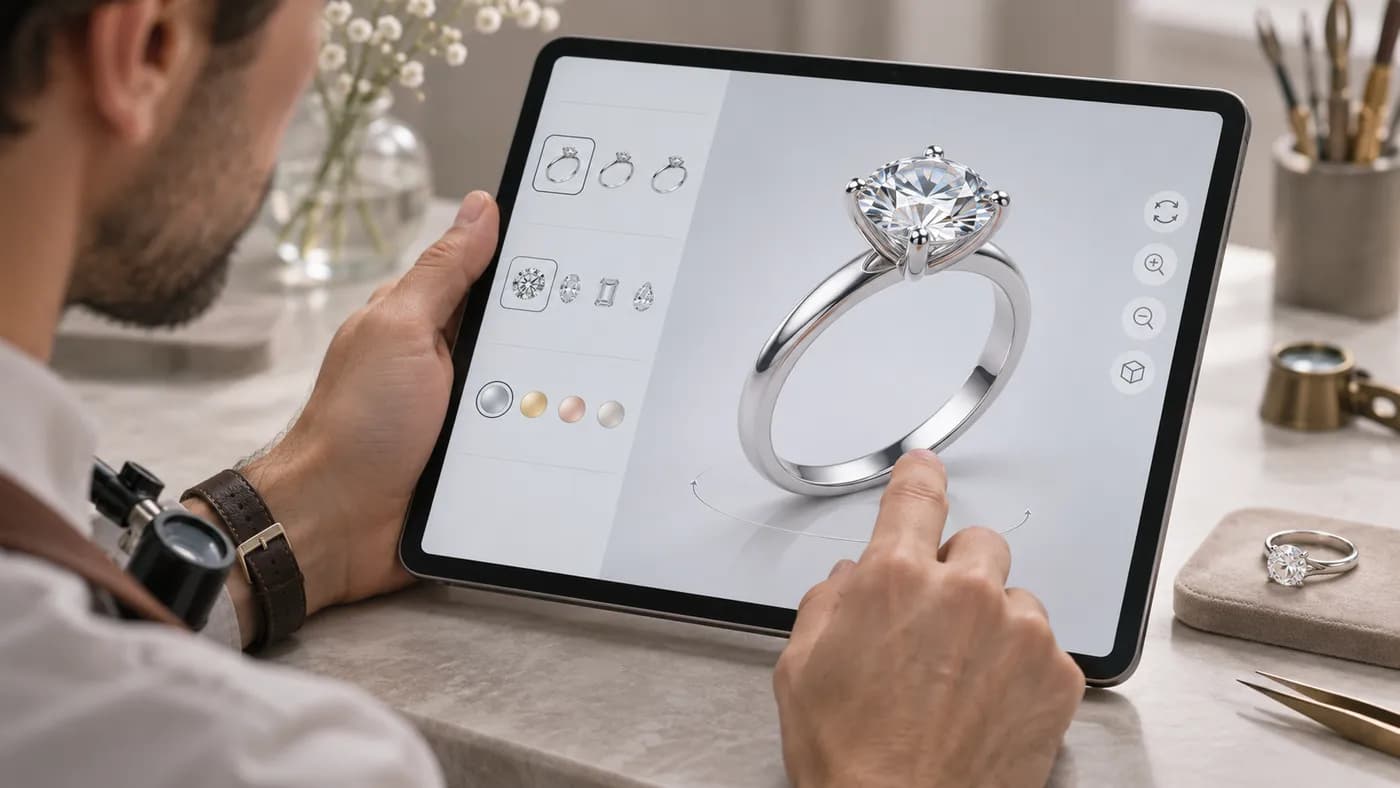
What to Look for in a 3D Ring Builder for Shopify
Questions to ask about ring models, inventory, mobile experience, pricing and the work that follows an order.
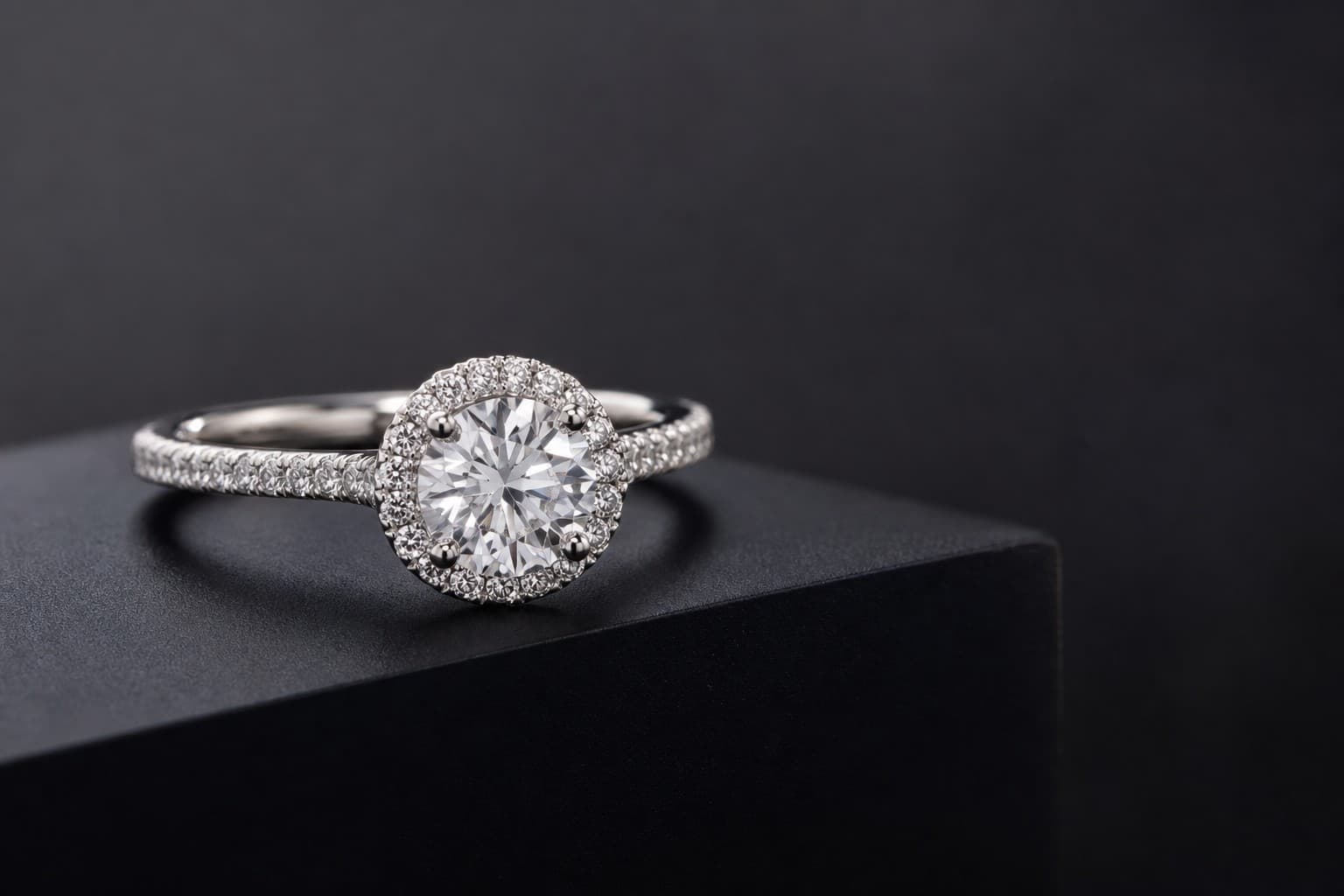
How to Sell Custom Engagement Rings Online with 3D Preview and Live Feeds
A practical guide for independent jewelers transitioning custom engagement rings from a physical showroom to an online 3D commerce store.